
Privacy Badger (EFF)
Free browser extension from EFF that learns to block hidden third-party trackers
Own Privacy Badger (EFF)? Claim it, free to correct the facts and get the verified badge.
Pricing
Free
Open source
Yes
Company
Electronic Frontier Foundation
Platforms
What is Privacy Badger (EFF)?
Privacy Badger is a free browser extension from the Electronic Frontier Foundation (EFF). It stops advertisers and other third-party trackers from following you across websites. It doesn't use a human-curated blocklist. Instead it watches how third-party domains behave. When the same domain is seen tracking on three separate sites through unique cookies, local storage supercookies or canvas fingerprinting, Privacy Badger blocks its content.
The extension sends Global Privacy Control and Do Not Track signals. It blocks trackers that ignore them. Social and video widgets are swapped for click-to-activate placeholders, and outgoing link tracking is removed on Facebook and Google. A yellowlist covers domains that sites need to work: they still load, but their cookies and referrers are stripped. Periodic learning updates from EFF's Badger Sett project add trackers found on popular sites.
Privacy Badger works without any setup. It suits people who want privacy protection without configuring anything. It is not a full ad blocker.
Key features
- Algorithmic tracker detection based on domain behavior
- Sends Global Privacy Control and Do Not Track signals
- Blocks canvas fingerprinting by third-party domains
- Click-to-activate placeholders for social and video widgets
- Removes outgoing link tracking on Facebook and Google
- Yellowlist cookie and referrer screening for essential domains
- Remote learning updates from the Badger Sett project
- Admin deployment options for managed devices
Use cases
Who it's for
Block cross-site tracking
Stop ad companies from following your browsing across many websites, with no setup needed.
Exercise opt-out rights
Send the GPC signal automatically so companies get your request to opt out of data sale where privacy laws apply.
Use social widgets safely
Replace Like buttons and embeds with placeholders that only load when you click them.
Deploy privacy across an organization
Administrators can configure Privacy Badger on managed devices.
Privacy Badger (EFF) pricing
From the vendor's site, checked Nov 9, 2026. Prices change — confirm on their pricing page.
Free
$0
- Full tracker blocking
- Free browser extension from a nonprofit
Get an email when Privacy Badger (EFF) changes its prices
One mail per change, a stop link in each. Nothing else.
Privacy Badger (EFF) in numbers
- Cheapest paid plan
- $0.00
- Free plan
- Yes
- How it blocks
- Browser extension
- Custom blocklists
- No
- Encrypted DNS
- No
- Open source
- Yes
- Money-back (days)
- 0
- Free plan limits
- Entirely free; browser extension only
- Platforms
- Chrome, Firefox, Edge, Safari, Android
Privacy Badger is completely free with no paid tiers. On Android it works through Firefox and Edge, and Safari on iOS is not yet supported. From Privacy Badger (EFF)'s own pages; fields the vendor doesn't state are left out.
How Privacy Badger (EFF) compares
- Privacy Badger (EFF) has the best cheapest paid plan of the 3 services here: $0.00.
- Privacy Badger (EFF) has the weakest money-back (days) of the 4 services here: 0.
| Tool | Per device per month | Cheapest paid plan | Free plan | How it blocks | Platforms | Devices covered | |
|---|---|---|---|---|---|---|---|
| PPrivacy Badger (EFF) | — | $0.00 | Yes | Browser extension | Chrome, Firefox, Edge, Safari, Android | — | |
A AdGuard | $1.00 | $2.99 | Yes | Browser extension, DNS filtering, System-wide app, Router/network | Windows, macOS, Linux, Android, iOS, Chrome, Firefox, Safari, Edge, Router | 3 | Privacy Badger (EFF) vs AdGuard |
N NextDNS | — | — | Yes | — | — | Unlimited | Privacy Badger (EFF) vs NextDNS |
A AdGuard DNS | — | — | Yes | — | — | — | Privacy Badger (EFF) vs AdGuard DNS |
P Pi-hole | — | $0.00 | Yes | DNS filtering, Router/network | Linux | — | Privacy Badger (EFF) vs Pi-hole |
Figures from each vendor's own pages; — means the vendor doesn't state it. The closest alternatives in our directory by category. “Starts at” is the cheapest paid plan per month, as each vendor lists it.
Pros and cons
Strengths
- Completely free and open source
- Works out of the box without configuration
- Made by the nonprofit EFF, which says it never shares browsing data unless you file a report
- Available for Chrome, Firefox, Safari, Edge, Opera, Brave and Android
Limitations
- Does not block ads that don't track you
- Mainly protects against third-party tracking, with only limited first-party protection
- Detection of fingerprinting beyond canvas is still in progress
Privacy Badger (EFF) FAQ
Is Privacy Badger free?
Yes. It is a free extension made by the nonprofit EFF and funded by member support.
Which browsers are supported?
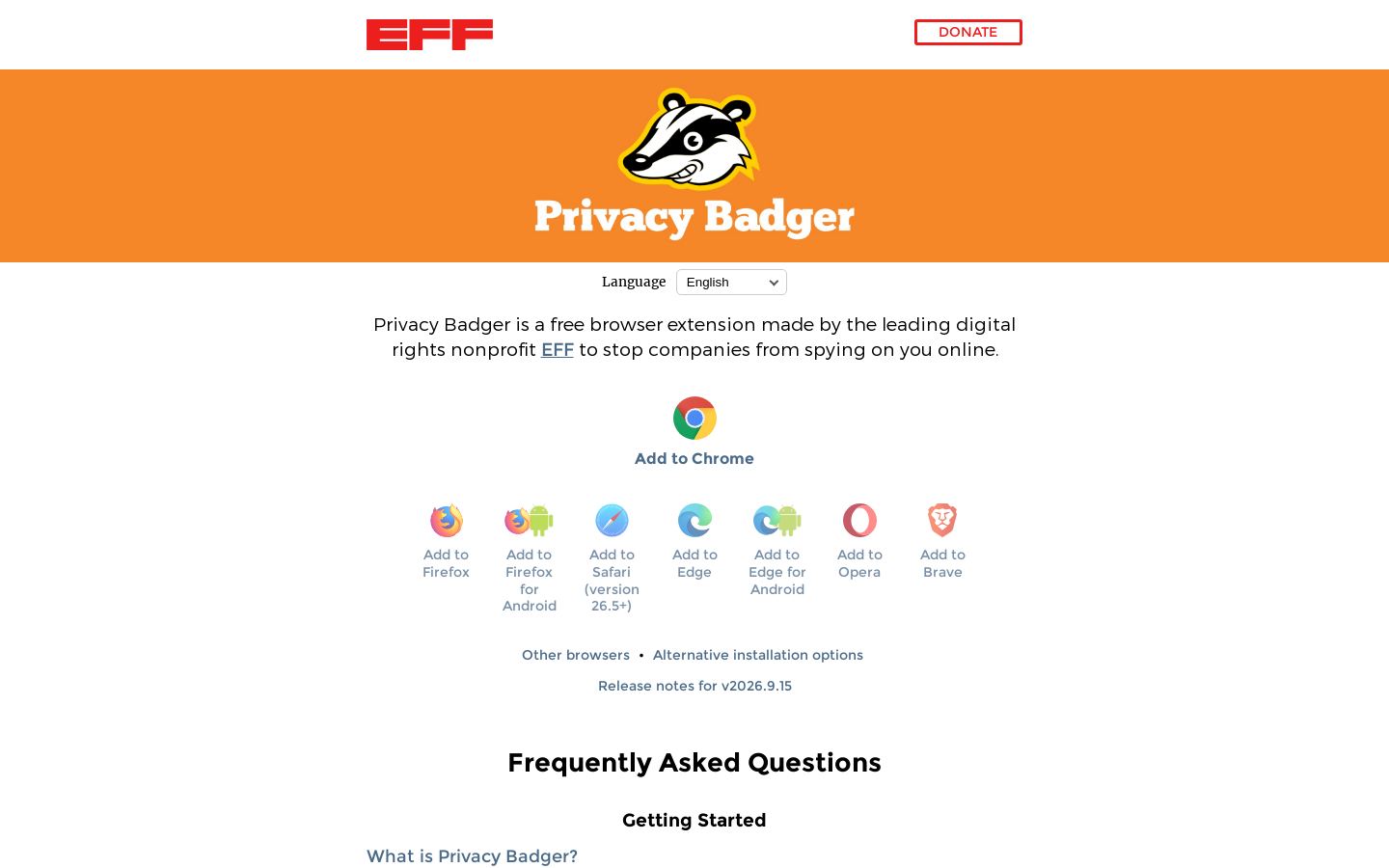
Chrome, Firefox, Firefox for Android, Safari 26.5+, Edge, Edge for Android, Opera and Brave.
Is it an ad blocker?
Not mainly. It blocks ads only when they track you. EFF suggests adding a traditional ad blocker if you want all ads blocked.
Does it use a blocklist?
No. It blocks domains it sees tracking across three sites, plus a yellowlist of essential domains whose cookies get screened.
Does it collect my browsing data?
EFF says Privacy Badger never shares browsing data unless you choose to file a broken site report.
Used Privacy Badger (EFF)? Rate it
Sign in to rate this tool and share how you use it.
Privacy Badger (EFF)
Free
Tools similar to Privacy Badger (EFF)

Encrypted DNS filtering for businesses, MSPs and schools on every OS