APi-hole vs Privacy Badger (EFF)
Pricing, features, platforms and who each one suits — side by side.

Choose Pi-hole if…
- you need custom blocklists
- you're in its core audience: home lab enthusiasts, families
Choose Privacy Badger (EFF) if…
- you're in its core audience: privacy-conscious web users, non-technical users who want protection without setup
Side by side
Full feature lists
P
Pi-hole
- Network-wide DNS-level ad and tracker blocking
- Built-in web dashboard with query statistics
- Long-term query log with advanced filtering
- Group-based blocklists per device
- Regex allow and deny rules plus community blocklists
- Optional built-in DHCP server with IPv6 support
- Full REST API with built-in interactive docs
- Teleporter backup and restore of the full configuration
P
Privacy Badger (EFF)
- Algorithmic tracker detection based on domain behavior
- Sends Global Privacy Control and Do Not Track signals
- Blocks canvas fingerprinting by third-party domains
- Click-to-activate placeholders for social and video widgets
- Removes outgoing link tracking on Facebook and Google
- Yellowlist cookie and referrer screening for essential domains
- Remote learning updates from the Badger Sett project
- Admin deployment options for managed devices
Their home pages
What each vendor shows first: the pitch, the plans and the sign-up.
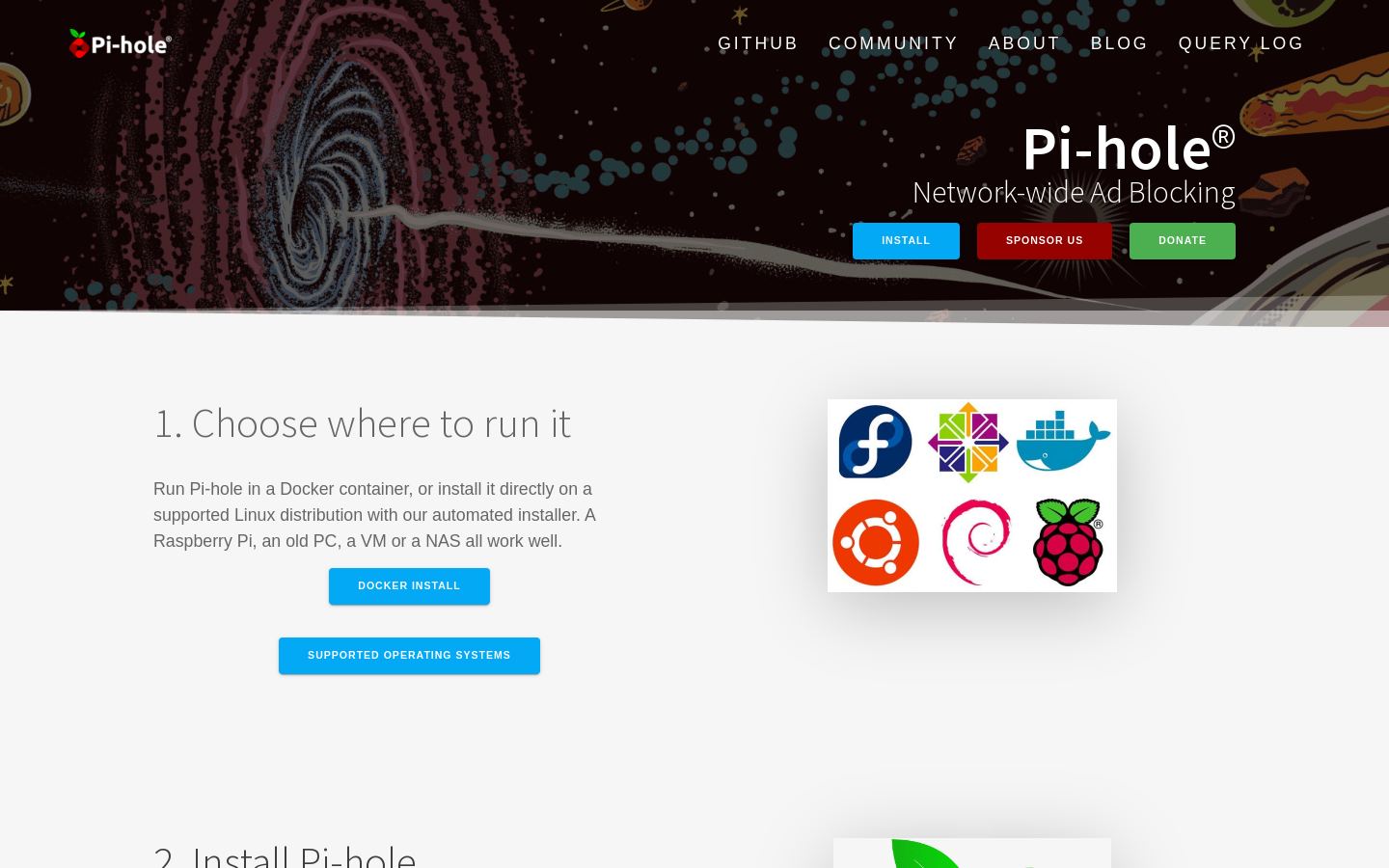
Pi-hole · pi-hole.net
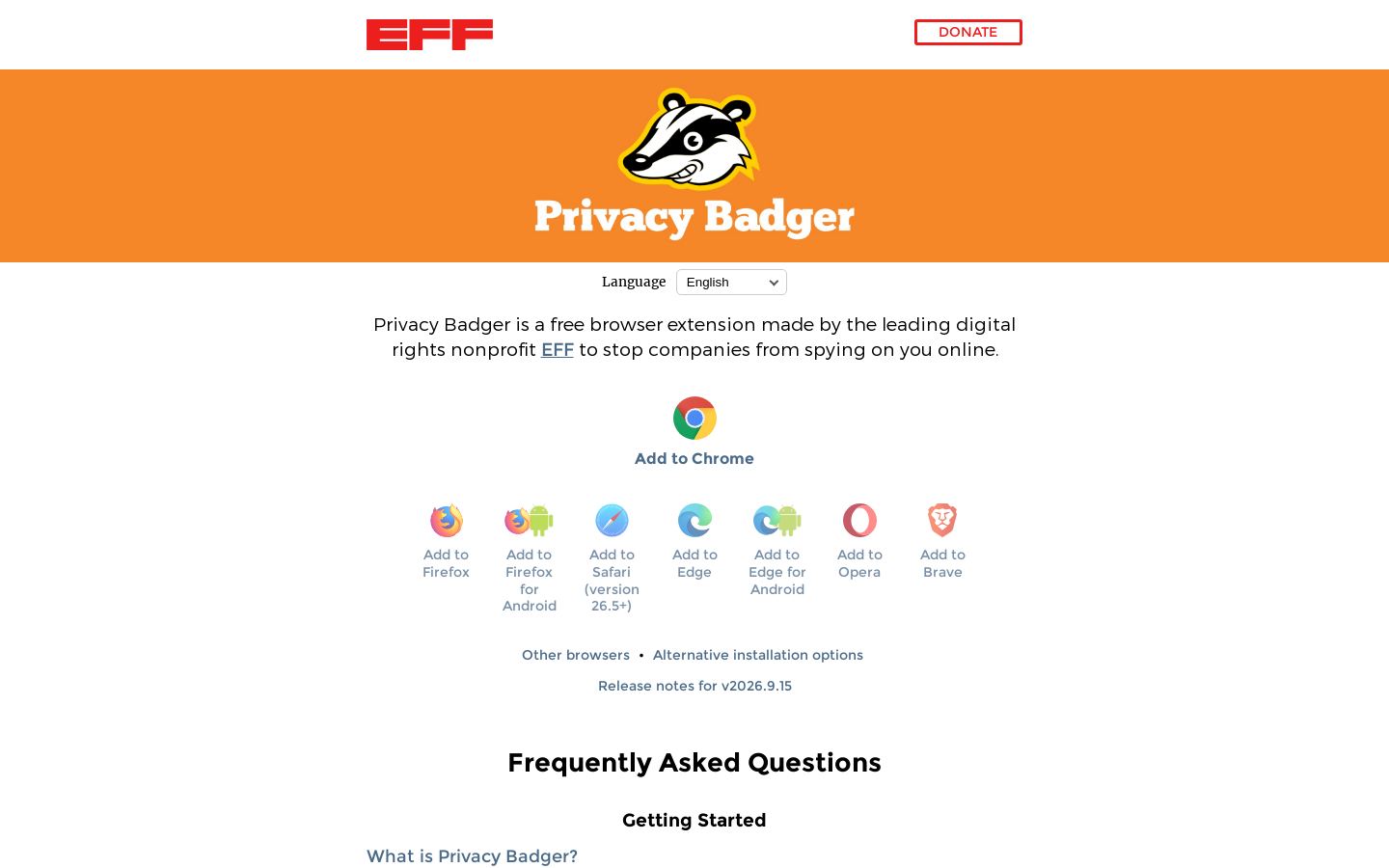
Privacy Badger (EFF) · privacybadger.orgWhat you'd pay
The cheapest plan that fits, per month, billed yearly where the plan offers it.
Pi-hole
Free. Plan details aren't published.
Privacy Badger (EFF)
Strengths and limitations
Pi-hole
- Covers every device on the network from one install
- Runs on modest hardware like a Raspberry Pi or in Docker
- Open source, with code on GitHub
- Full REST API and a detailed query log
- Needs a self-hosted Linux machine or Docker
- Router DNS or DHCP changes are needed for network-wide use
- Mobile protection away from home needs a separate VPN setup
Privacy Badger (EFF)
- Completely free and open source
- Works out of the box without configuration
- Made by the nonprofit EFF, which says it never shares browsing data unless you file a report
- Available for Chrome, Firefox, Safari, Edge, Opera, Brave and Android
- Does not block ads that don't track you
- Mainly protects against third-party tracking, with only limited first-party protection
- Detection of fingerprinting beyond canvas is still in progress
More comparisons
Other options to consider
A
Ad-blocking DNS that filters ads, trackers and adult content on all devices

Cloud DNS firewall that blocks threats, ads, trackers and adult content
A
Ad, tracker and phishing blocker for desktop, mobile, browsers and networks

C

Encrypted DNS filtering for businesses, MSPs and schools on every OS

Q

Free public DNS resolver that blocks malicious domains and logs no IP addresses
Facts from each vendor's public pages, prices checked Nov 8, 2026. Editorial policy