G
 G
Antidetect browser that isolates each account in its own fingerprinted profile
Free, from $4.50/mo
GAntidetect browser that isolates each account in its own fingerprinted profile
Antidetect browser that isolates each account in its own fingerprinted profile
 I
Antidetect browser and cloud phones for managing many accounts from one app
Antidetect browser and cloud phones for managing many accounts from one app

 M
Android cloud phones and browser profiles for running many accounts separately
Android cloud phones and browser profiles for running many accounts separately

 V
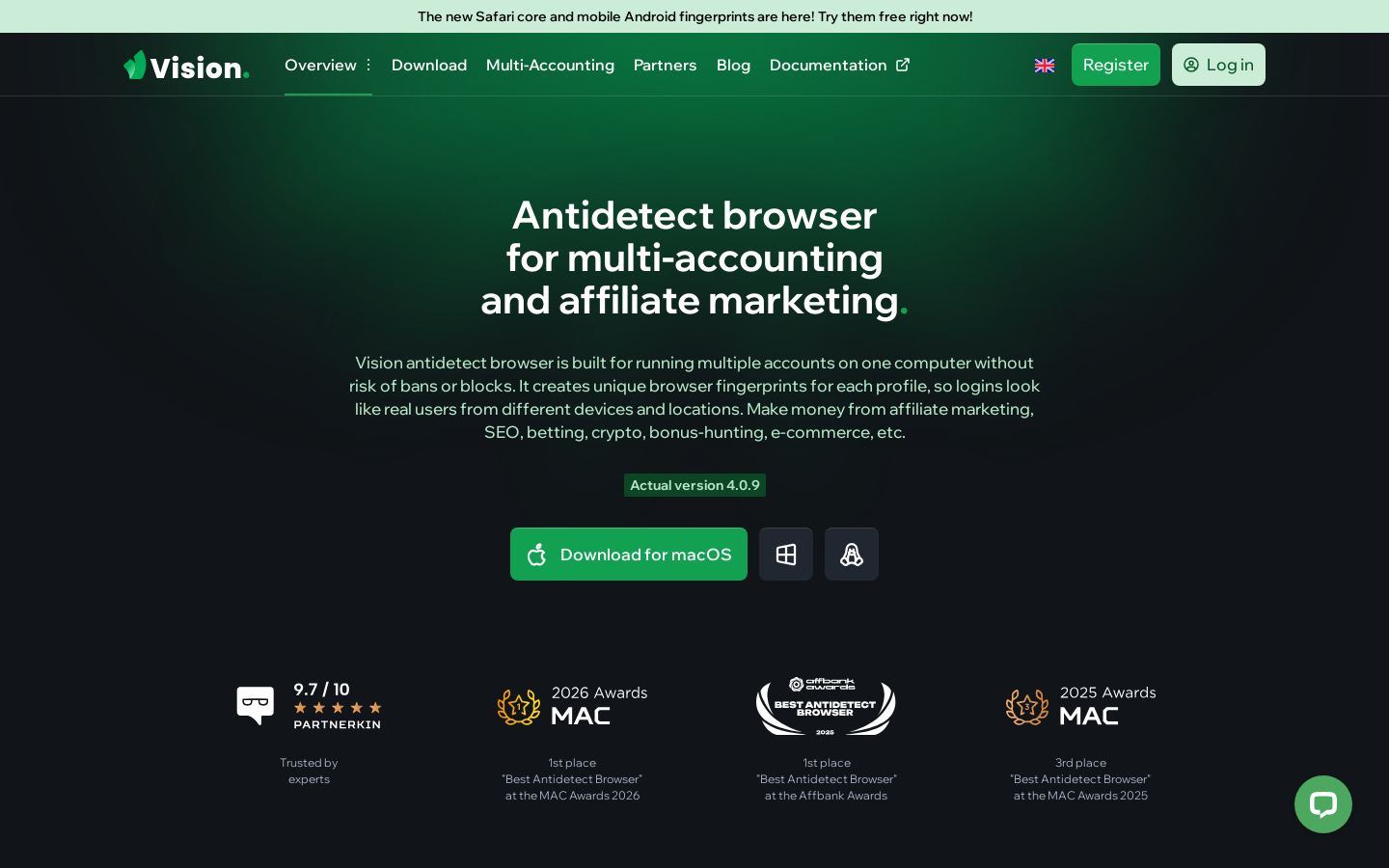
Antidetect browser for running many accounts with separate fingerprints
 G
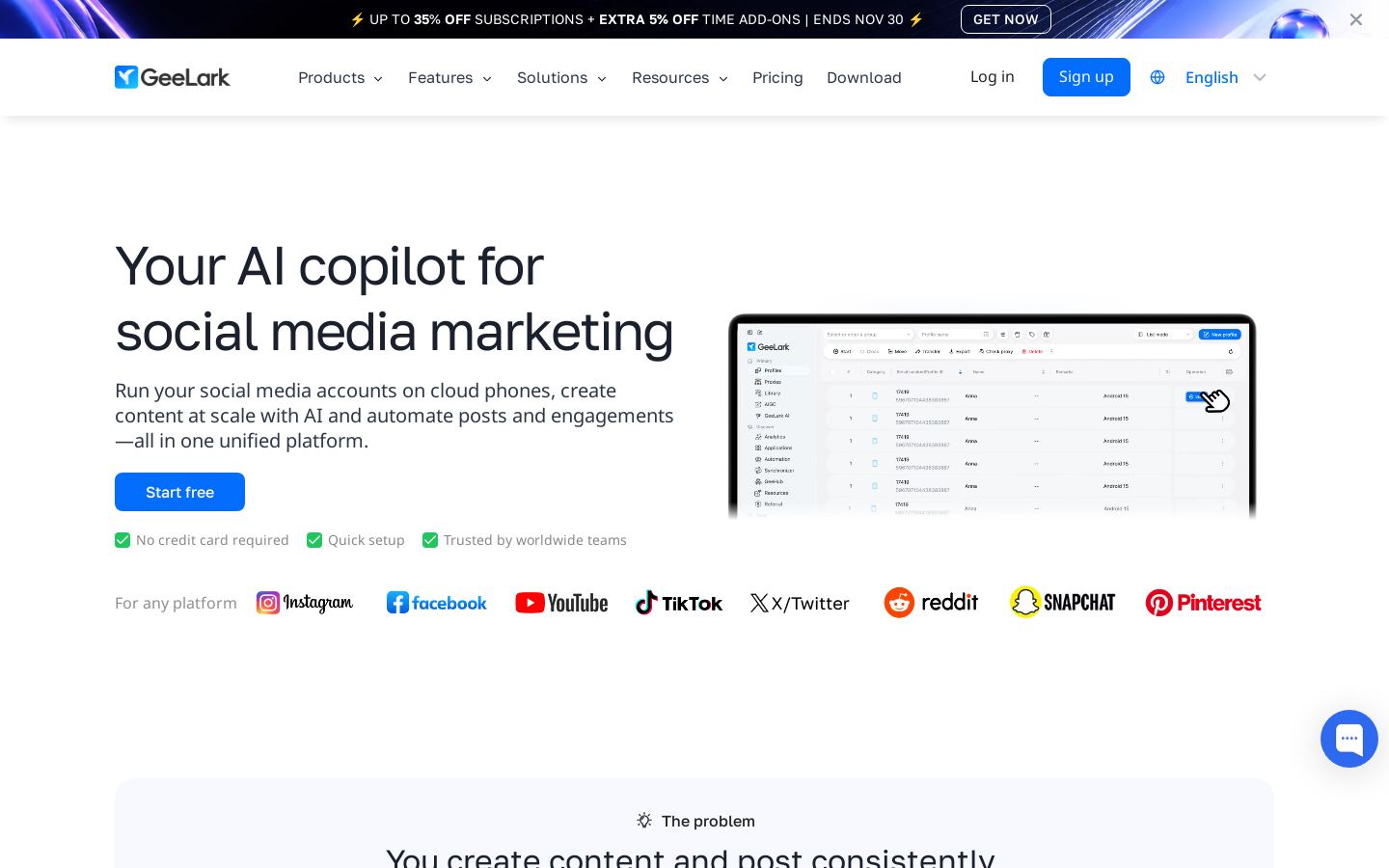
Cloud Android phones and a multi-account browser for managing social accounts
 M
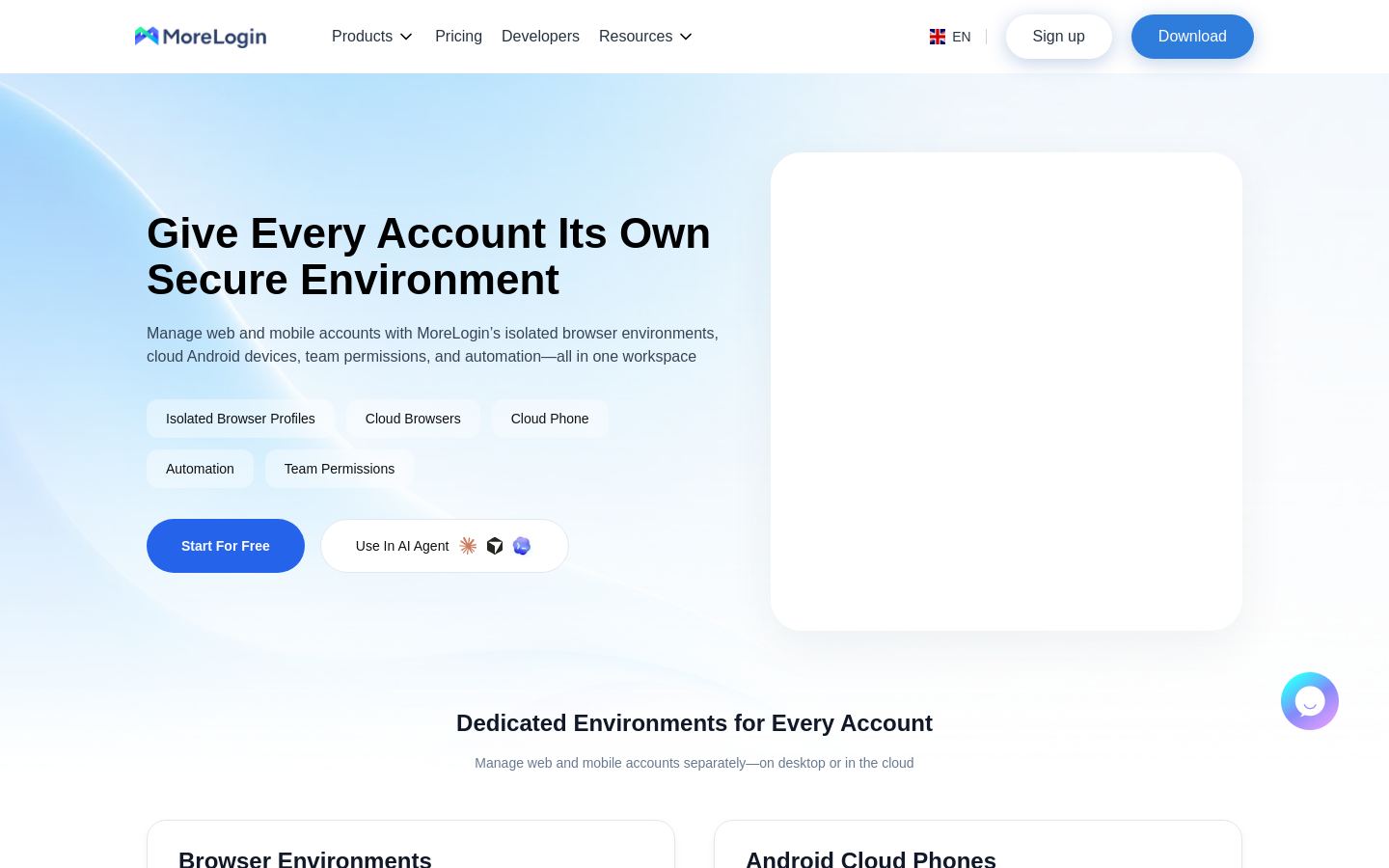
Antidetect browser and Android cloud phones for multi-account teams

 A
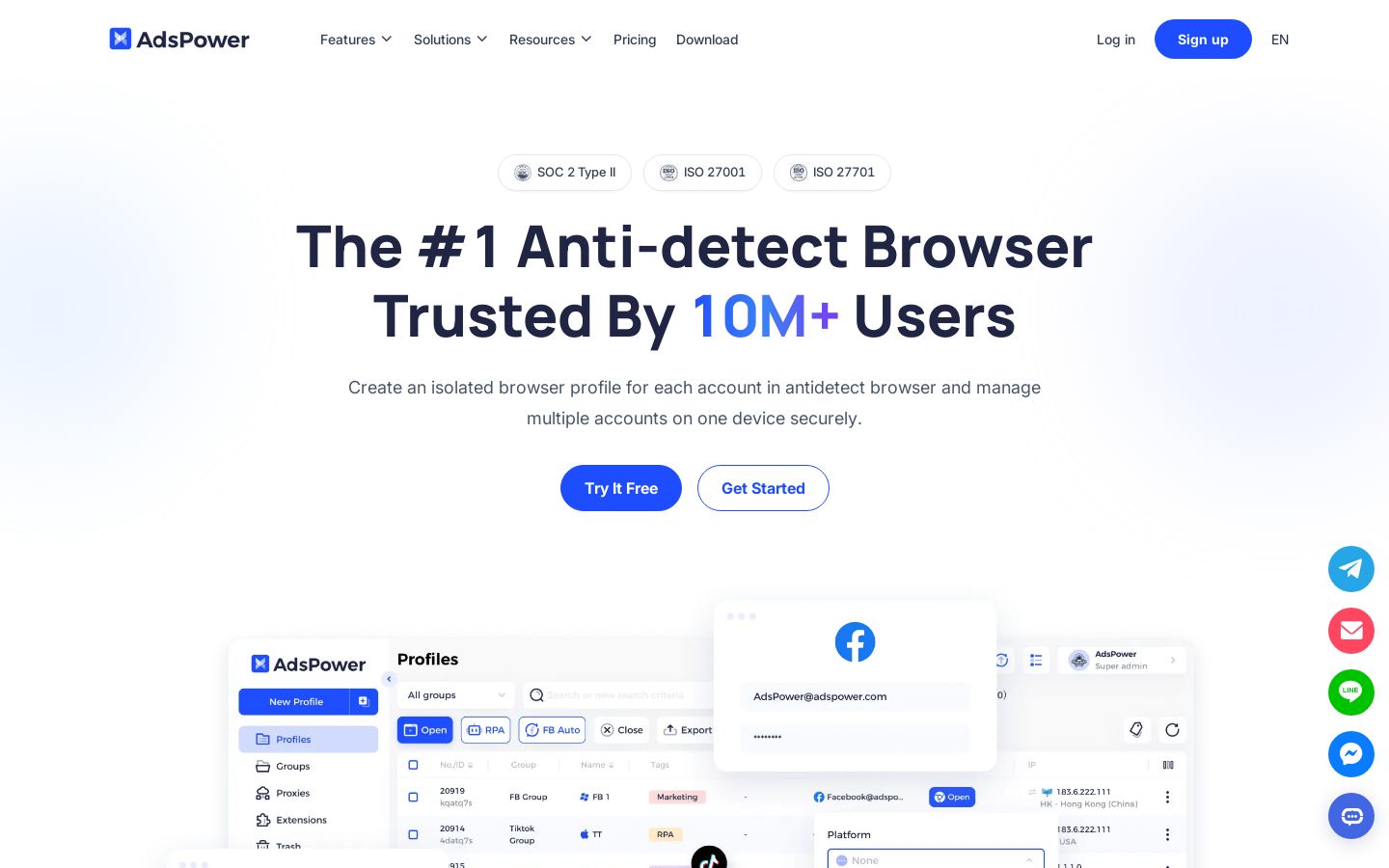
Antidetect browser for running many isolated accounts on one device
 D
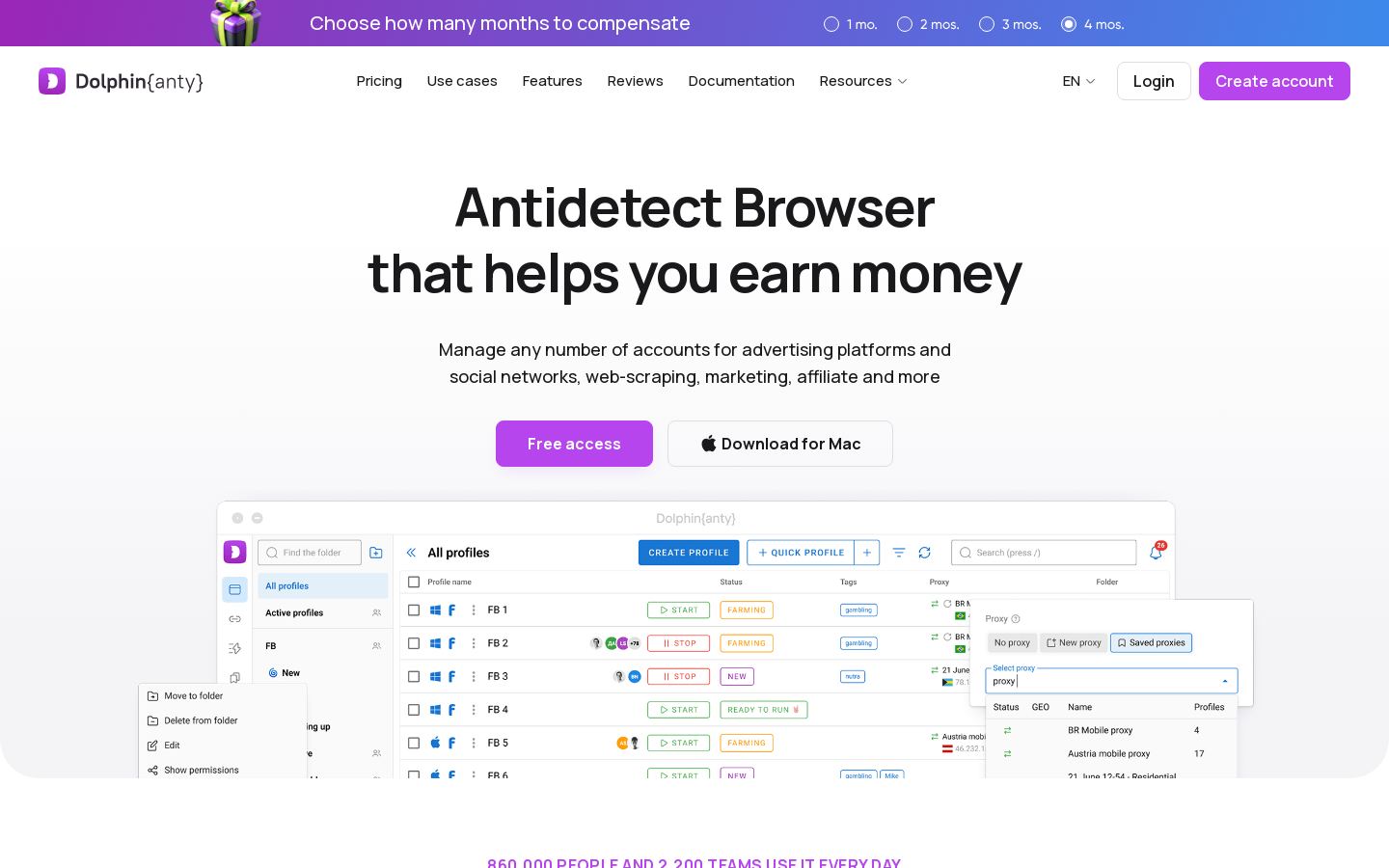
Antidetect browser for managing many ad, social and marketplace accounts

 O
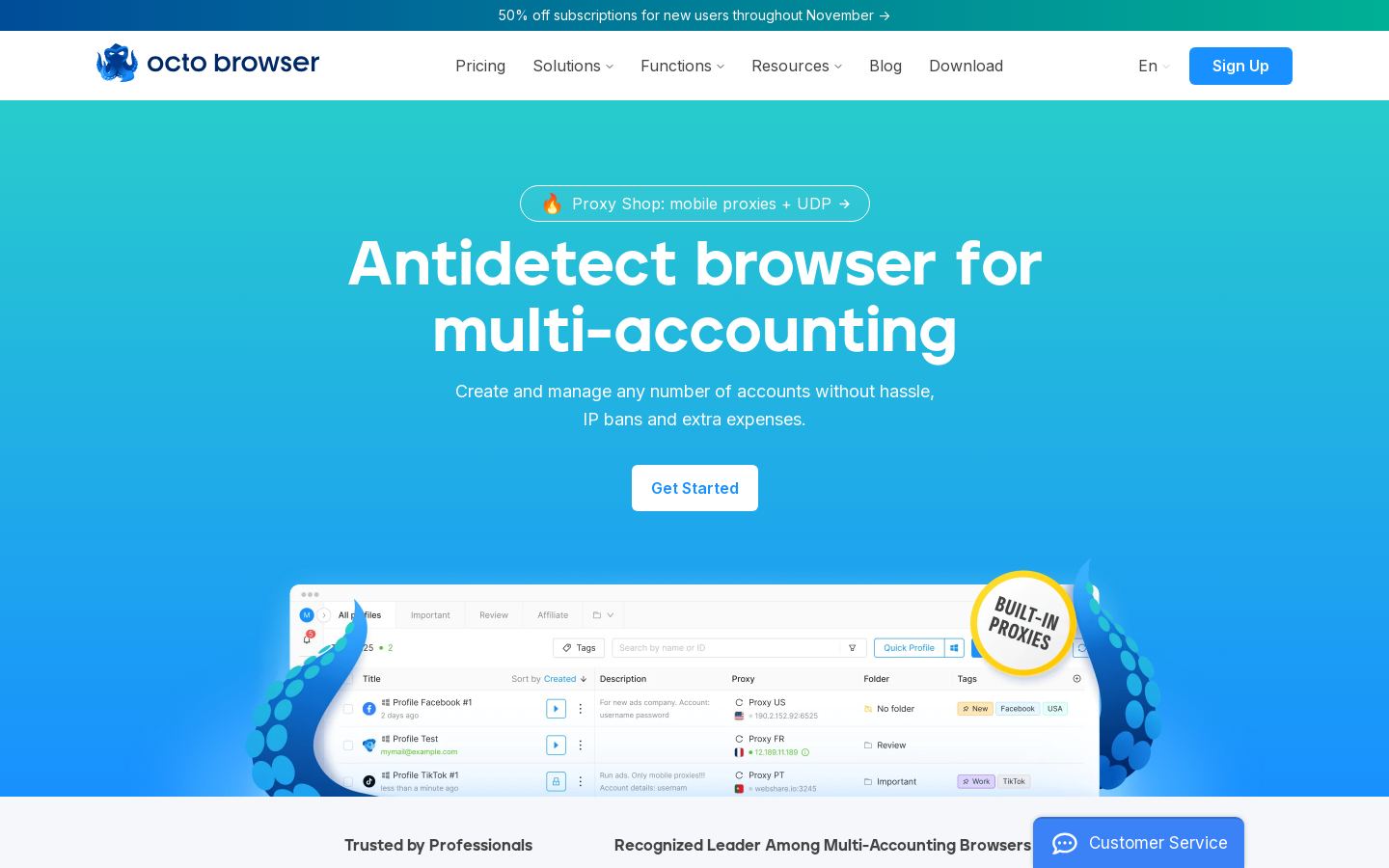
Antidetect browser for running many accounts with unique device fingerprints

Antidetect browser for running many isolated accounts on Windows and macOS
Antidetect browser for running many isolated accounts on Windows and macOS
Most antidetect browsers do the same basic job: each account gets its own profile with a separate fingerprint. A few things actually set them apart.
Yes. Dolphin Anty, AdsPower, GoLogin, MoreLogin, Incogniton, Multilogin and Undetectable all have free tiers. Vision Browser has a free trial. GeeLark and Octo Browser are paid only.
Among the tools we list with published prices, paid plans start at $4.5/mo (GoLogin) and $5.4/mo (MoreLogin). Other starting prices are $7.08/mo (Multilogin), $13.99/mo (Incogniton), $20/mo (Vision Browser) and $34/mo (Undetectable).
Check that it runs on your operating system, that its free tier or starting price fits your number of accounts, and that it has an API if you plan to automate. If you need mobile accounts, check whether it offers Android cloud phones.
Cloud Android phones are one option. GeeLark, MoreLogin, Incogniton and Multilogin offer them for managing social accounts as mobile devices. GeeLark and Multilogin also run on the web, so you don't need to install a desktop app.