Ente Auth
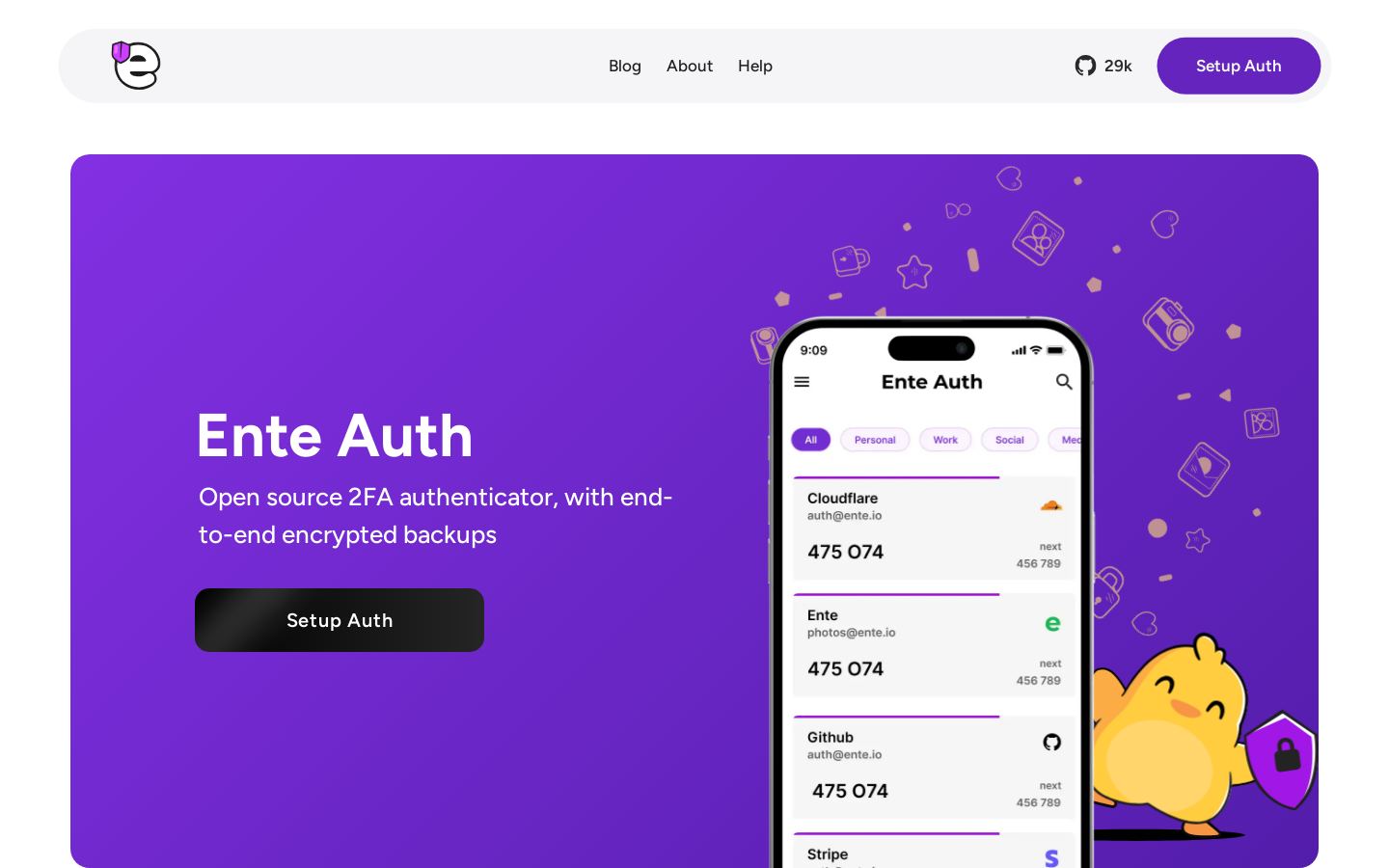
Open source 2FA authenticator with end-to-end encrypted cloud backups
Own Ente Auth? Claim it, free to correct the facts and get the verified badge.
Pricing
Free
Open source
Yes
Company
Ente
Platforms
What is Ente Auth?
Ente Auth is an open source two-factor authentication app that generates one-time codes for your accounts and backs them up to the cloud with end-to-end encryption. The company says its cryptography has been externally audited.
Apps are available for iOS, Android (Play Store and F-Droid), macOS, Windows, Linux and the web, and codes sync across devices. You can add tokens by scanning a QR code, entering the secret by hand, or bulk importing from other 2FA apps. Tags, pins, notes, service icons, search and a preview of the next code help keep a long list manageable. You can also share codes with teammates through encrypted links.
The app works offline and without an account if you don't want backups. The code is released under AGPL-3.0, and you can export your data at any time. It suits people who want a free authenticator they can audit and move between devices.
Key features
- End-to-end encrypted cloud backups of 2FA tokens
- Externally audited cryptography
- Encrypted sync across mobile, desktop and web
- Bulk import from other 2FA apps
- Secure code sharing with team members
- Tags, pins, notes and search for tokens
- Preview of the next code
- Offline mode without an account
Use cases
Who it's for
Switching phones
Encrypted backups mean your tokens aren't lost when you replace or lose a device.
Migrating from another authenticator
Bulk import moves existing tokens from other 2FA apps into Auth.
Sharing a team login code
Send a code to a colleague through an encrypted share link.
Offline-only use
Use the app without an account or cloud backups if you want to keep everything on the device.
Ente Auth pricing
From the vendor's site, checked Nov 10, 2026. Prices change — confirm on their pricing page.
The vendor does not publish plan details.
How Ente Auth compares
- Ente Auth has a free plan, like 2 of the 4 alternatives below.
- It is open source, as are 2 others.
| Tool | Starts at | Free plan | Free trial | API | Open source | |
|---|---|---|---|---|---|---|
| EEnte Auth | Free | — | — | |||
2 2FAS | $0.83/mo | — | — | Ente Auth vs 2FAS | ||
B Bitwarden | $1.65/mo | — | Ente Auth vs Bitwarden | |||
1 1Password | Quote | — | — | — | Ente Auth vs 1Password | |
Y Yubico (YubiKey) | — | — | — | — | — | Ente Auth vs Yubico (YubiKey) |
The closest alternatives in our directory by category. “Starts at” is the cheapest paid plan per month, as each vendor lists it.
Pros and cons
Strengths
- Free and open source under AGPL-3.0
- Apps for iOS, Android, F-Droid, macOS, Windows, Linux and web
- Cryptography externally audited
- Data export with no lock-in
Limitations
- Cloud sync requires creating an Ente account
Ente Auth FAQ
Is Ente Auth free?
Yes. Ente describes Auth as a free, open source 2FA authenticator.
Which platforms does it support?
iOS, Android (Play Store and F-Droid), macOS, Windows, Linux and the web.
Can I use it without an account?
Yes. Offline mode lets you use the app without an account or backups.
How do I move my tokens from another app?
You can bulk import from other 2FA apps, scan QR codes, or enter secrets by hand.
Are my backups private?
Backups are end-to-end encrypted, and the cryptography has been externally audited.
Used Ente Auth? Rate it
Sign in to rate this tool and share how you use it.
Ente Auth
Free