
capyrate
Privacy, Proxies & Anonymity79Security4Email6Affiliate & Media Buying11Crypto23

Parental controlsFull list

Filter content and manage kids’ screen time.
3 tools1 with a free plan
Subcategories · 15Parental controls
3 tools
Q
Qustodio websiteQ

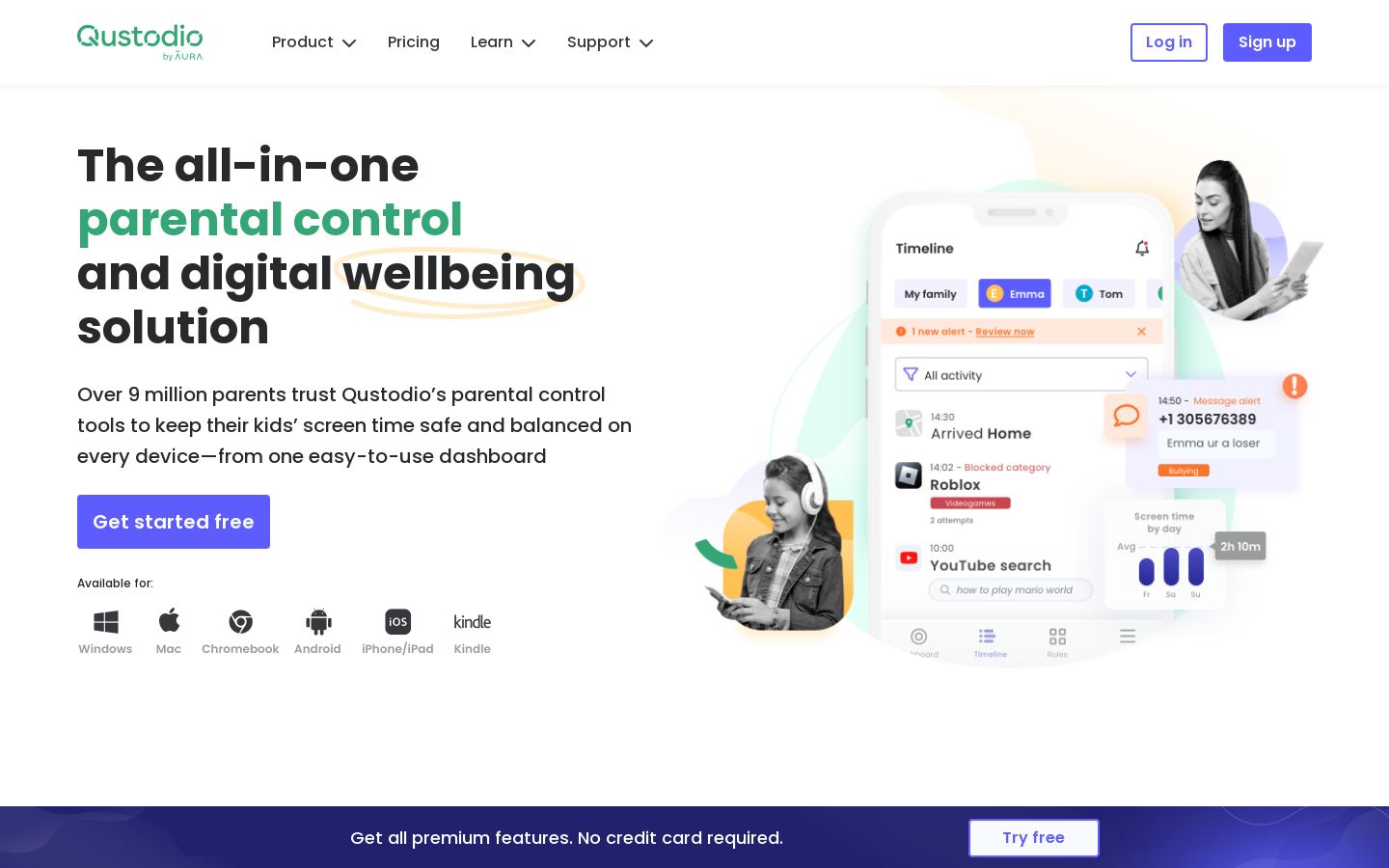
Parental control app for filtering content, limiting screen time and tracking kids

Free, from $5/mo
Q
Qustodio website
Free, from $5/mo
Q

Parental control app for filtering content, limiting screen time and tracking kids
Parental controlsFree plan
B
Bark websiteB

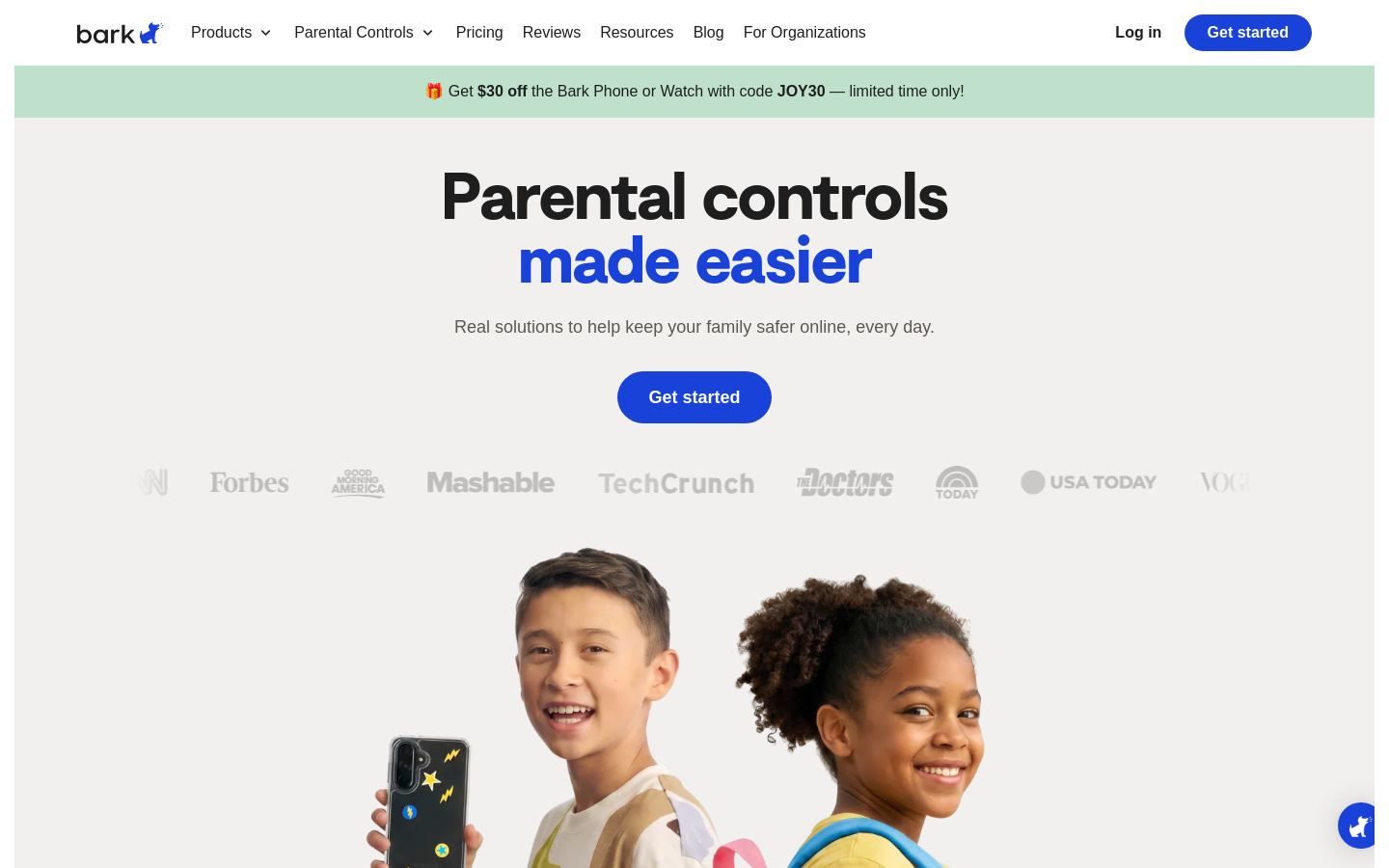
Parental controls, content monitoring and kids' phones and watches for families

From $6/mo
B
Bark website
From $6/mo
B

Parental controls, content monitoring and kids' phones and watches for families
Parental controls
N
Net Nanny websiteN

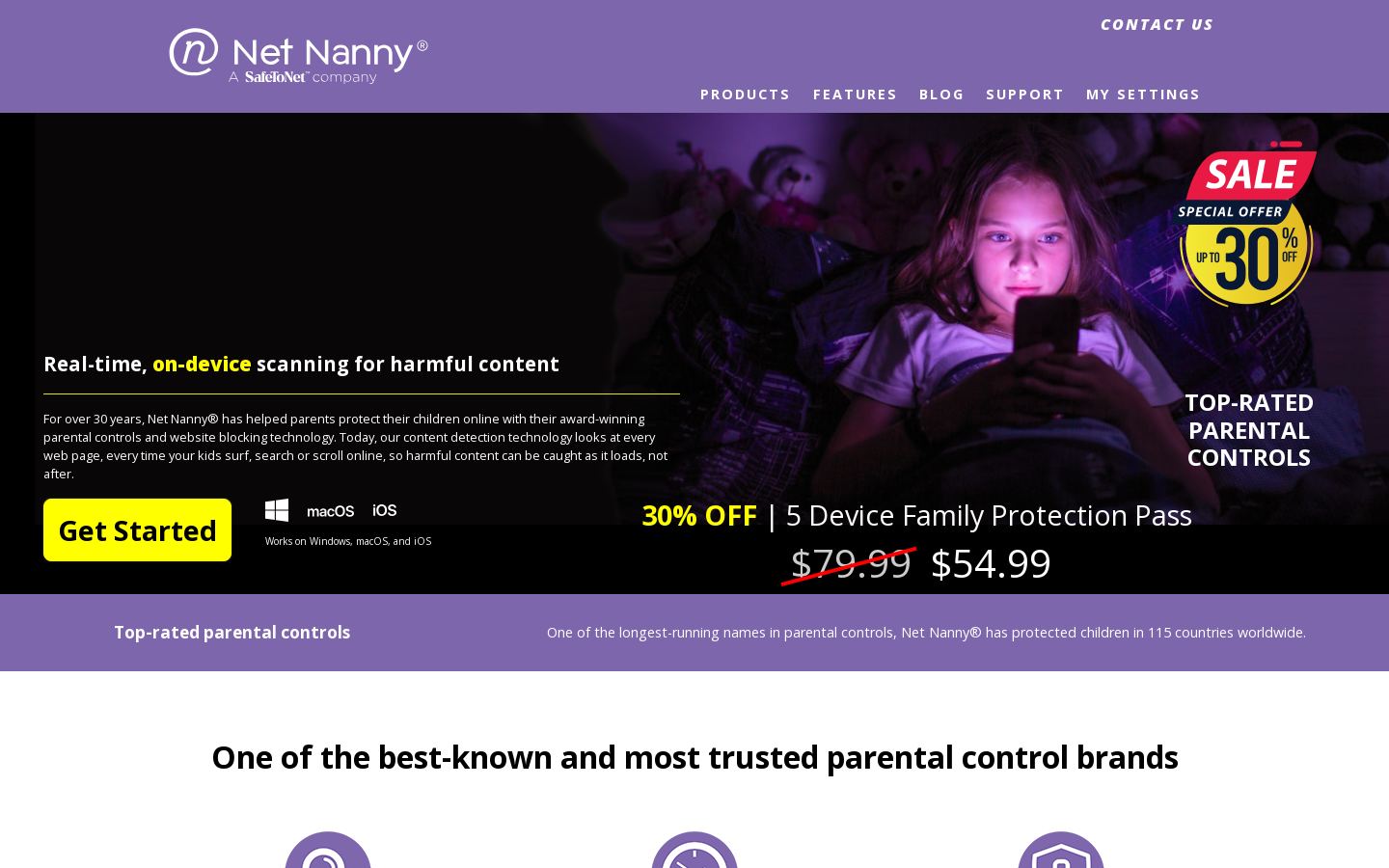
Parental controls, web filtering and screen time limits for family devices

From $3.33/mo
N
Net Nanny website
From $3.33/mo
N

Parental controls, web filtering and screen time limits for family devices

Parental controls

How to choose parental controls tools

Parental control tools mostly do the same three jobs: filter content, limit screen time and show you what kids are doing. What sets them apart is the details below.

  • Platform coverage. Make sure the tool runs on the devices your kids actually use. Net Nanny lists Windows, macOS and iOS. Bark lists iOS, Android and web. Qustodio is listed as web-based.
  • Pricing model. Qustodio is freemium, so you can start without paying. Net Nanny is paid only, from $3.33/mo. Bark offers a free trial, then starts at $6/mo.
  • Filtering vs. monitoring. Net Nanny and Qustodio focus on web filtering and screen time limits. Bark leans toward content monitoring.
  • Hardware options. Bark also offers kids' phones and watches. That can help if you're buying a child's first device rather than adding controls to one they already have.

We haven't tested these tools. Check each vendor's current plans and device support before you sign up.

Frequently asked questions

Is there a free parental control app?

Qustodio is listed as freemium, so you can use a free tier. Bark has a free trial before its paid plans. Net Nanny is paid only.

How much do parental controls cost?

Among the tools listed here, Net Nanny starts at $3.33/mo and Bark starts at $6/mo. Qustodio has a free tier, and its paid plans aren't listed here.

What should I look for in a parental control tool?

First, check that it supports your kids' devices. Next, decide whether you mainly need web filtering and screen time limits or broader content monitoring. Then compare pricing models: free tier, free trial or paid only.

What are the alternatives to Qustodio?

In this category we list Net Nanny, a paid tool for web filtering and screen time limits on Windows, macOS and iOS. We also list Bark, which offers content monitoring plus kids' phones and watches, with a free trial.