2FAS
Local-first open-source 2FA authenticator and password manager, no account needed
Own 2FAS? Claim it, free to correct the facts and get the verified badge.
Pricing
Free · from $0.83/mo
Open source
Yes
Company
Two Factor Authentication Service, Inc.
Founded
2015
Platforms
What is 2FAS?
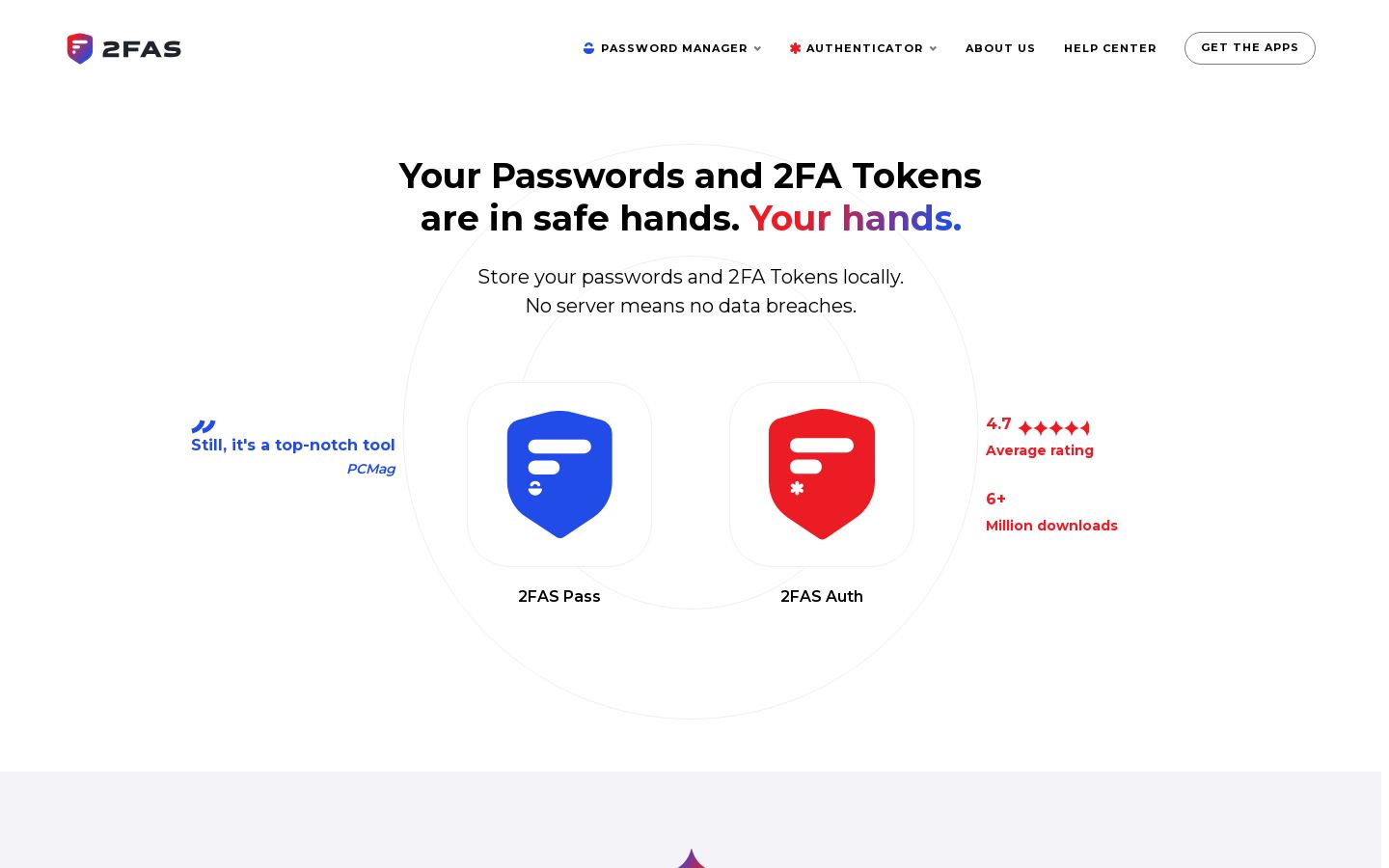
2FAS makes two local-first security apps: 2FAS Auth, a two-factor authentication token app, and 2FAS Pass, a password manager. Both store data on your own device. You don't need to create an account, and the company says it does not collect or see any user data.
2FAS Auth runs on iOS and Android and has a browser extension and Apple Watch support. You can back up tokens to the cloud or by hand, and sort them with groups, badges, icons and labels. 2FAS Pass has three security tiers per item, autofill, import/export and a browser extension that lets you share selected passwords with the browser. You can self-host your vault and recover it with a Decryption Kit.
The source code is public and a Cryptography White Paper documents the design. The project is community-driven and has been running since 2015. It fits people who want free, private 2FA and password storage without a cloud account.
Key features
- Local-first storage of 2FA tokens and passwords
- No user account required
- Cloud and manual backup of tokens
- Token groups, badges, icons and labels
- Apple Watch support for authenticator
- Three security tiers per password item
- Browser extension with autofill
- Vault recovery with Decryption Kit
Use cases
Who it's for
Replacing Google Authenticator or Authy
Move your 2FA tokens to an open-source app that keeps them on your device and backs them up the way you choose.
Private password storage
Keep passwords in a local vault with no account, and self-host the vault wherever you like.
Autofill on desktop
Use the browser extension to send selected passwords and tokens from your phone to the browser.
2FAS pricing
From the vendor's site, checked Nov 10, 2026. Prices change — confirm on their pricing page.
| Plan | Free | Unlimited |
|---|---|---|
| Paid monthly | Free | yearly only$9.99 billed yearly |
| Paid yearly | Free | $0.83/mo |
| Items | Up to 200 | Unlimited |
| Browser extensions | 1 | Unlimited |
| Extension inactivity timeout | Under 60 min | Unlimited |
| Also |
|
|
Which plan do you need?
Get an email when 2FAS changes its prices
One mail per change, a stop link in each. Nothing else.
How 2FAS compares
- 2FAS has a free plan, like 2 of the 4 alternatives below.
- It is open source, as are 2 others.
| Tool | Starts at | Free plan | Free trial | API | Open source | |
|---|---|---|---|---|---|---|
| 22FAS | $0.83/mo | — | — | |||
| EEnte Auth | Free | — | — | 2FAS vs Ente Auth | ||
B Bitwarden | $1.65/mo | — | 2FAS vs Bitwarden | |||
1 1Password | Quote | — | — | — | 2FAS vs 1Password | |
D Dashlane | $4/mo | — | — | — | 2FAS vs Dashlane |
The closest alternatives in our directory by category. “Starts at” is the cheapest paid plan per month, as each vendor lists it.
Pros and cons
Strengths
- Authenticator is free with no ads, per user reviews
- No account required, so you can use it anonymously
- Source code is public and a cryptography white paper is published
- Unlimited password plan costs $9.99/year
Limitations
- Free password plan is limited to 200 items and 1 extension
- Business plan is not yet available
- Support is community-based through Discord
2FAS FAQ
Is 2FAS free?
The 2FAS Auth authenticator is free. 2FAS Pass has a free plan with up to 200 items, and an Unlimited plan costs $9.99 per year.
Do I need an account?
No. Both apps work without user accounts and store data locally on your device.
Which platforms are supported?
There are native iOS and Android apps and browser extensions. 2FAS Auth also supports Apple Watch.
Is 2FAS open source?
Yes. The source code is public on GitHub, and a Cryptography White Paper documents its algorithms.
Is there a business plan?
A business plan for 2FAS Pass is listed as coming soon. Companies can contact 2FAS through an inquiry form.
Used 2FAS? Rate it
Sign in to rate this tool and share how you use it.
2FAS
Free · from $0.83/mo
Tools similar to 2FAS

Hardware security keys for phishing-resistant login, for individuals and enterprises