
Calendly
Meeting scheduling with AI notetaking, payments and follow-ups for teams
Own Calendly? Claim it, free to correct the facts and get the verified badge.
Pricing
Free · from $10/mo
API
Yes
Company
Calendly
Platforms
What is Calendly?
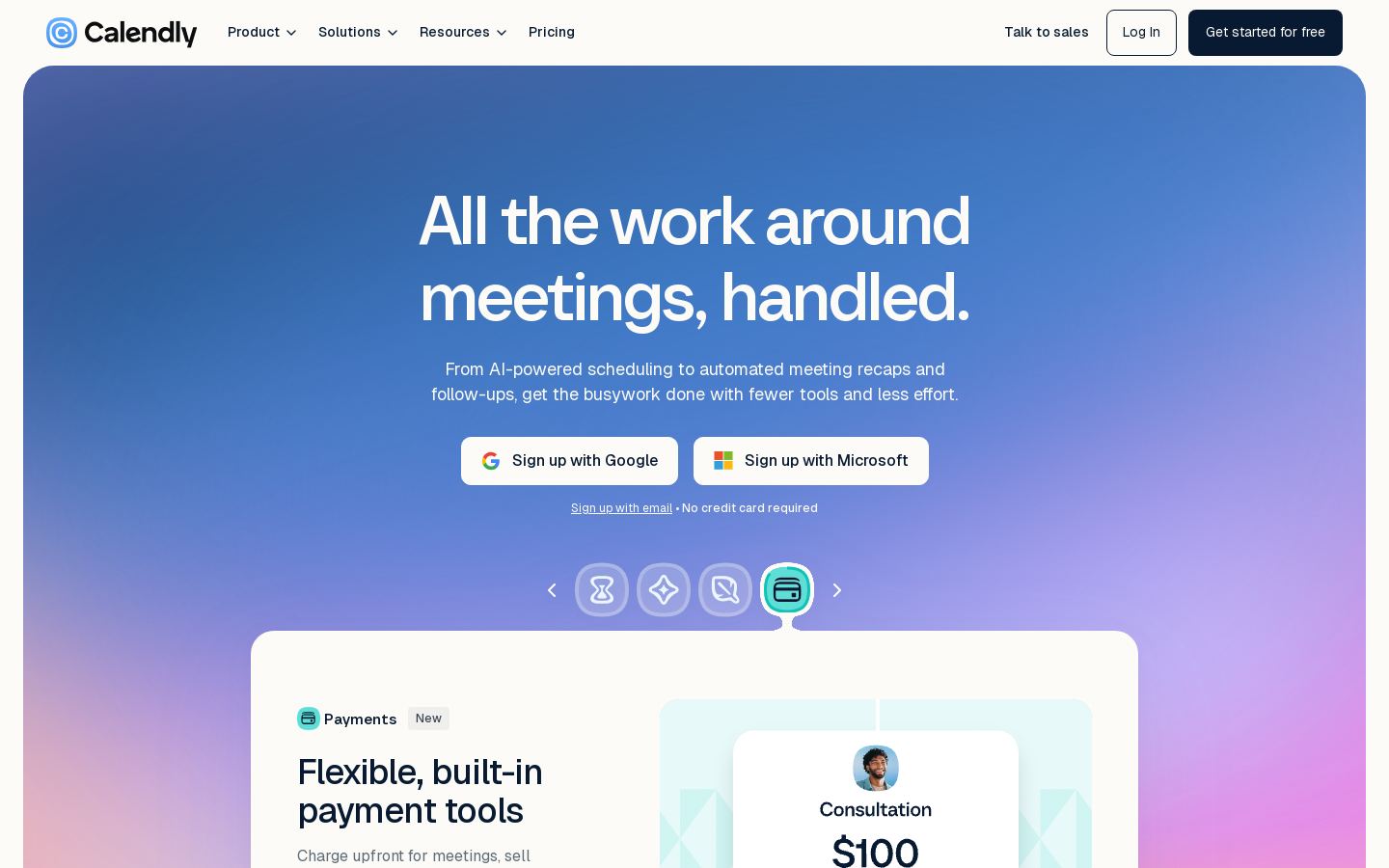
Calendly is meeting scheduling software. You share a booking link, and invitees pick a time from your real calendar availability. You can set your hours, create event types for one-on-one or multi-host meetings, and send automated email and text reminders so fewer people miss their meetings.
Newer modules cover the rest of the work around a meeting. Callie, an AI assistant in beta, schedules for you when you add callie@calendly.com to an email thread. Notetaker joins Zoom, Google Meet and Teams calls, then produces recaps, action items and draft follow-up emails. Payments lets you charge at booking through Stripe or PayPal, sell meeting packages and send invoices. Contacts keeps a relationship history for each person you meet.
Calendly suits individuals, consultants and coaches, and sales, recruiting and customer success teams. Teams get round-robin routing, lead-qualifying forms and CRM integrations such as Salesforce and HubSpot.
Key features
- Booking links tied to your calendar availability
- One-on-one, group and round-robin event types
- Automated email and text reminders
- Routing forms to qualify and assign leads
- AI email scheduling assistant (Callie, beta)
- AI Notetaker for Zoom, Meet and Teams
- Upfront payments, packages, invoices via Stripe/PayPal
- 150+ integrations including Salesforce, HubSpot, Zapier
Use cases
Who it's for
Client bookings for consultants
Coaches and consultants can take payment or deposits at booking and sell multi-session packages.
Sales lead routing
Website visitors fill out a routing form and get booked with the right rep, and the meeting syncs to Salesforce or HubSpot.
Interview scheduling
Recruiters can coordinate interviews with candidates without long email threads.
Meeting recaps
Notetaker records calls and delivers summaries, action items and draft follow-up emails.
Calendly pricing
From the vendor's site, checked Nov 27, 2026. Prices change — confirm on their pricing page.
| Plan | Free | Standard | Teams | Enterprise |
|---|---|---|---|---|
| Paid monthly | Free | yearly onlyper seat | yearly onlyper seat | From $15k/yrstarts at 50 seats |
| Paid yearly | Free | $10/mo | $16/mo | — |
| Event types | 1 | Unlimited | — | — |
| Calendar connections | 1 | Up to 6 | — | — |
| SSO | — | — | Add-on | Yes |
| Team scheduling | One-on-one only | — | Round-robin and team | — |
| Also |
|
|
|
|
| Cost for a team, per month | 1 person | 5 people | 20 people |
|---|---|---|---|
| Standardper seat | $10 | $50 | $200 |
| Teamsper seat | $16 | $80 | $320 |
Billed yearly where the plan offers it. — means the plan doesn't allow that many people.
Which plan do you need?
Get an email when Calendly changes its prices
One mail per change, a stop link in each. Nothing else.
How Calendly compares
- Calendly has a free plan, like 1 of the 2 alternatives below.
| Tool | Starts at | Free plan | Free trial | API | Open source | |
|---|---|---|---|---|---|---|
| CCalendly | $10/mo | — | — | |||
C Cal.com | $12/mo | Calendly vs Cal.com | ||||
S SavvyCal | $10/mo | — | — | — | Calendly vs SavvyCal |
The closest alternatives in our directory by category. “Starts at” is the cheapest paid plan per month.
Pros and cons
Strengths
- Free plan includes unlimited one-on-one meetings
- Built-in payments through Stripe and PayPal
- More than 150 integrations
- Invitees do not need a seat or an account
Limitations
- Free plan is limited to one event type and one calendar
- Notetaker and Callie cost extra on Standard and Teams
- Notetaker and Callie work only in English
- Enterprise requires at least 50 seats
Calendly FAQ
Is Calendly free?
Yes. The Free plan includes one event type, one calendar connection and unlimited one-on-one meetings.
How much do paid plans cost?
Standard costs $10 per seat per month and Teams costs $16 per seat per month, both billed yearly. Enterprise starts at $15k per year.
Do invitees need an account?
No. Only users who connect calendars and host meetings need a seat.
Can I collect payments?
Yes. Paid plans can collect payment at booking through Stripe or PayPal. You can also send payment links and invoices and sell meeting packages.
Which video tools does Notetaker support?
Zoom, Google Meet and Microsoft Teams, including meetings booked outside Calendly.
Used Calendly? Rate it
Sign in to rate this tool and share how you use it.
Calendly
Free · from $10/mo