
Cal.com
Open-source meeting scheduling with booking links, routing and team round-robin
Own Cal.com? Claim it, free to correct the facts and get the verified badge.
Pricing
Free · from $12/mo
Free trial
Yes
API
Yes
Open source
Yes
Company
Cal.com, Inc.
Platforms
What is Cal.com?
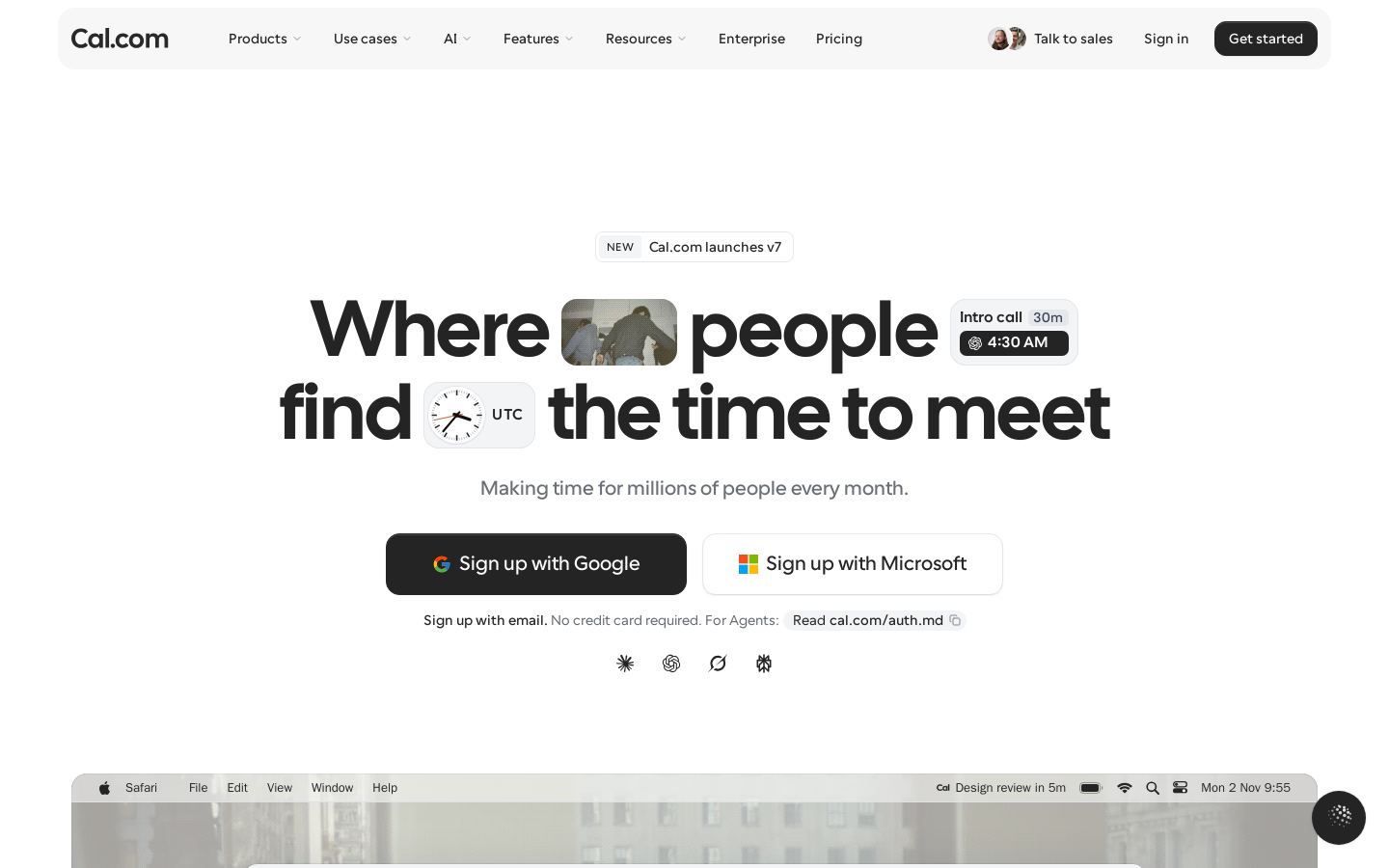
Cal.com is scheduling software that lets people share a booking link showing only the times they are free. Guests pick a slot and the meeting lands in every connected calendar, with automatic time zone detection and conflict checking.
Teams get round-robin and collective events, routing forms that send leads to the right person, and workflows that send email and SMS reminders on their own. Booking pages can be embedded on your own site, and API v2, webhooks and an MCP server let AI agents and apps check availability and book meetings. The app store connects to Google Calendar, Zoom, Salesforce, HubSpot, Slack, Stripe and 100+ more tools.
The product is open source. Individuals can use it free with no usage limits. Paid plans add team, routing, SSO and compliance features for startups, larger organizations and enterprises, including healthcare teams that need HIPAA compliance.
Key features
- Shareable booking links with time zone detection
- Round-robin and collective team events
- Routing forms with attribute-based routing
- Email and SMS reminder workflows
- Embeds, API v2 and webhooks
- MCP server for AI agent bookings
- Stripe and PayPal payments at booking
- Booking insights and analytics
Use cases
Who it's for
Booking meetings across time zones
Send one link instead of trading emails; guests see only shared free times in their own time zone.
Distributing sales demos
Routing forms and round-robin send each lead to the right rep and spread meetings across the team.
Scheduling inside your own product
Embed booking pages on your site or use API v2 to build scheduling into an app.
Letting AI agents book time
Connect voice or chat agents to the MCP server to check availability and book real slots.
Cal.com pricing
From the vendor's site, checked Nov 27, 2026. Prices change — confirm on their pricing page.
Individuals
forever
Free
- 1 user
- Unlimited links & calendars
- Email & SMS notifications
- Stripe & PayPal payments
- Two-way Salesforce & HubSpot sync
Teams
month
$12 per user/month billed yearly
- 14-day free trial
- Round-robin scheduling
- Routing forms
- Remove Cal.com branding
- Booking analytics
Organizations
month
$28 per user/month billed yearly
- 14-day free trial
- Unlimited sub-teams
- SAML SSO and SCIM
- SOC 2, HIPAA, ISO 27001 compliant
- Company subdomain
Enterprise
year
Custom
- Dedicated onboarding and engineering support
- SLA & uptime guarantees
- Dedicated database
- HRIS & directory integrations
| Cost for a team, per month | 1 person | 5 people | 20 people |
|---|---|---|---|
| Teamsper seat | $12 | $60 | $240 |
| Organizationsper seat | $28 | $140 | $560 |
Billed yearly where the plan offers it. — means the plan doesn't allow that many people.
Which plan do you need?
Get an email when Cal.com changes its prices
One mail per change, a stop link in each. Nothing else.
How Cal.com compares
- Cal.com has a free plan, like 1 of the 2 alternatives below.
- It is open source, the only one here.
| Tool | Starts at | Free plan | Free trial | API | Open source | |
|---|---|---|---|---|---|---|
| CCal.com | $12/mo | |||||
C Calendly | $10/mo | — | — | Cal.com vs Calendly | ||
S SavvyCal | $10/mo | — | — | — | Cal.com vs SavvyCal |
The closest alternatives in our directory by category. “Starts at” is the cheapest paid plan per month.
Pros and cons
Strengths
- Free plan for individuals with no usage limits
- Open source with self-hosting option
- 100+ integrations including Salesforce and HubSpot
- Organizations plan is SOC 2, HIPAA and ISO 27001 compliant
Limitations
- Free plan is limited to 1 user
- Round-robin and routing require a paid plan
- Listed paid prices are for yearly billing
Cal.com FAQ
Is Cal.com free?
Yes. The Individuals plan is free forever for one user with unlimited links, calendars and meetings.
How much do team plans cost?
Teams is $12 per user/month and Organizations $28 per user/month, billed yearly, each with a 14-day free trial. Enterprise is custom.
Can I switch from Calendly?
Yes, the free plan includes 1-click import of Calendly events.
Does Cal.com have an API?
Yes, API v2, webhooks, embeds and an MCP server for AI agents are available.
Is there a mobile app?
Yes, there are iOS and Android apps, a desktop app and browser extensions.
Used Cal.com? Rate it
Sign in to rate this tool and share how you use it.
Cal.com
Free · from $12/mo