AdGuard DNS vs Bark
Pricing, features, platforms and who each one suits — side by side.
Choose AdGuard DNS if…
- you want a free plan to start with
- you want open source you can self-host or audit
- you work on Windows, macOS, Linux
- you're in its core audience: privacy-minded individuals, parents
Choose Bark if…
- you want to trial it before paying
- you're in its core audience: parents of children aged 5–17, families with multiple kids and devices
Side by side
Full feature lists
A AdGuard DNS
- Network-level blocking of ads, trackers, malware and phishing
- Family protection mode with adult-content blocking and Safe Search
- Parental control with screen-time scheduling
- Real-time DNS request stats by device, date and country
- Custom per-device block and allow lists
- DNSCrypt, DNS-over-HTTPS, DNS-over-TLS and DNS-over-QUIC support
- DNSSEC validation
- 100+ servers in 15+ locations
B
Bark
- AI scanning of texts, email, browsers and 30+ social apps
- Safety alerts in over 29 categories
- Custom screen time schedules and one-tap pause
- Website and app blocking
- GPS location tracking and alerts
- Scans up to 60 days of text history on connect
- Adjustable alert sensitivity per category
- Kids' phones and smartwatch with controls built in
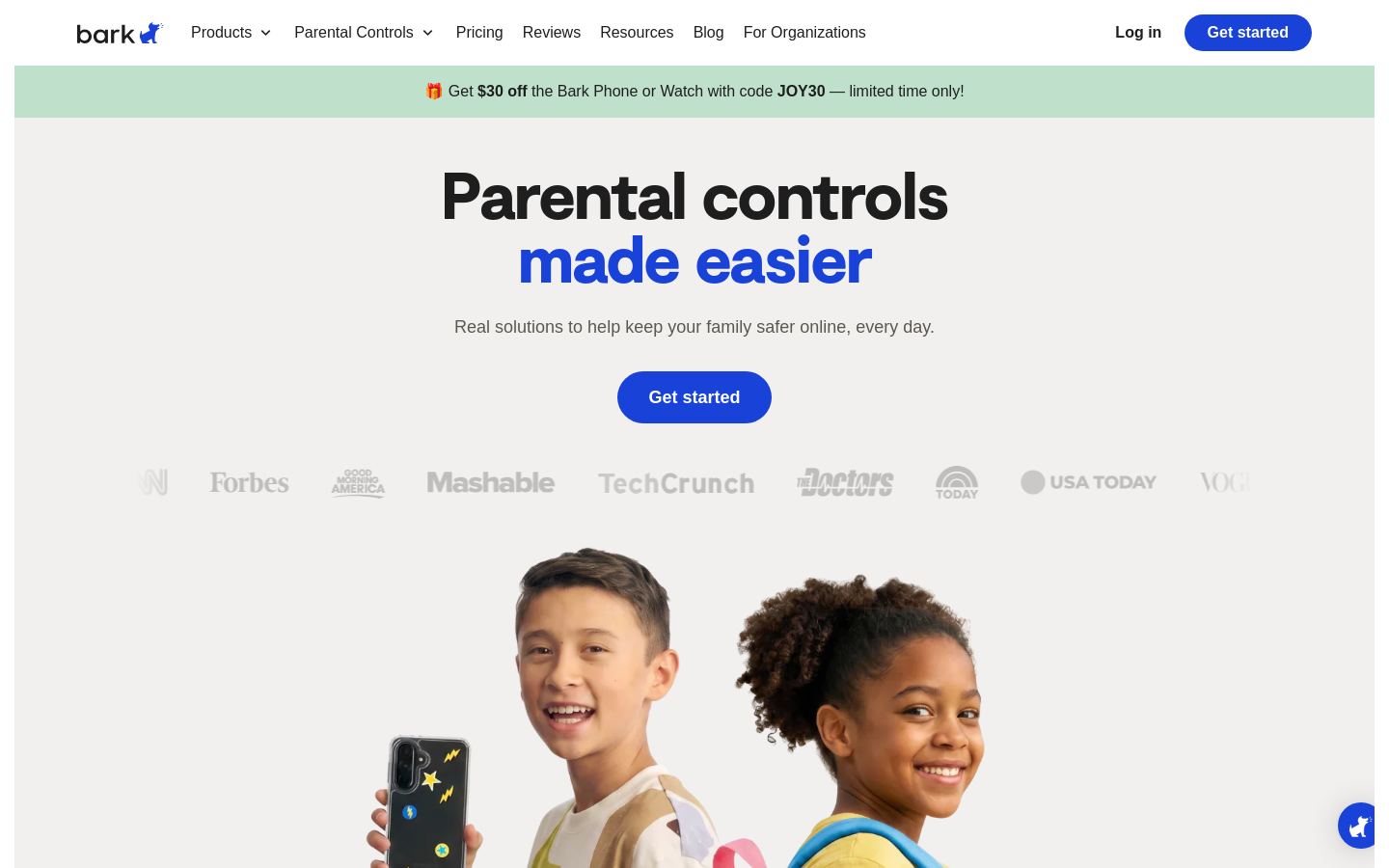
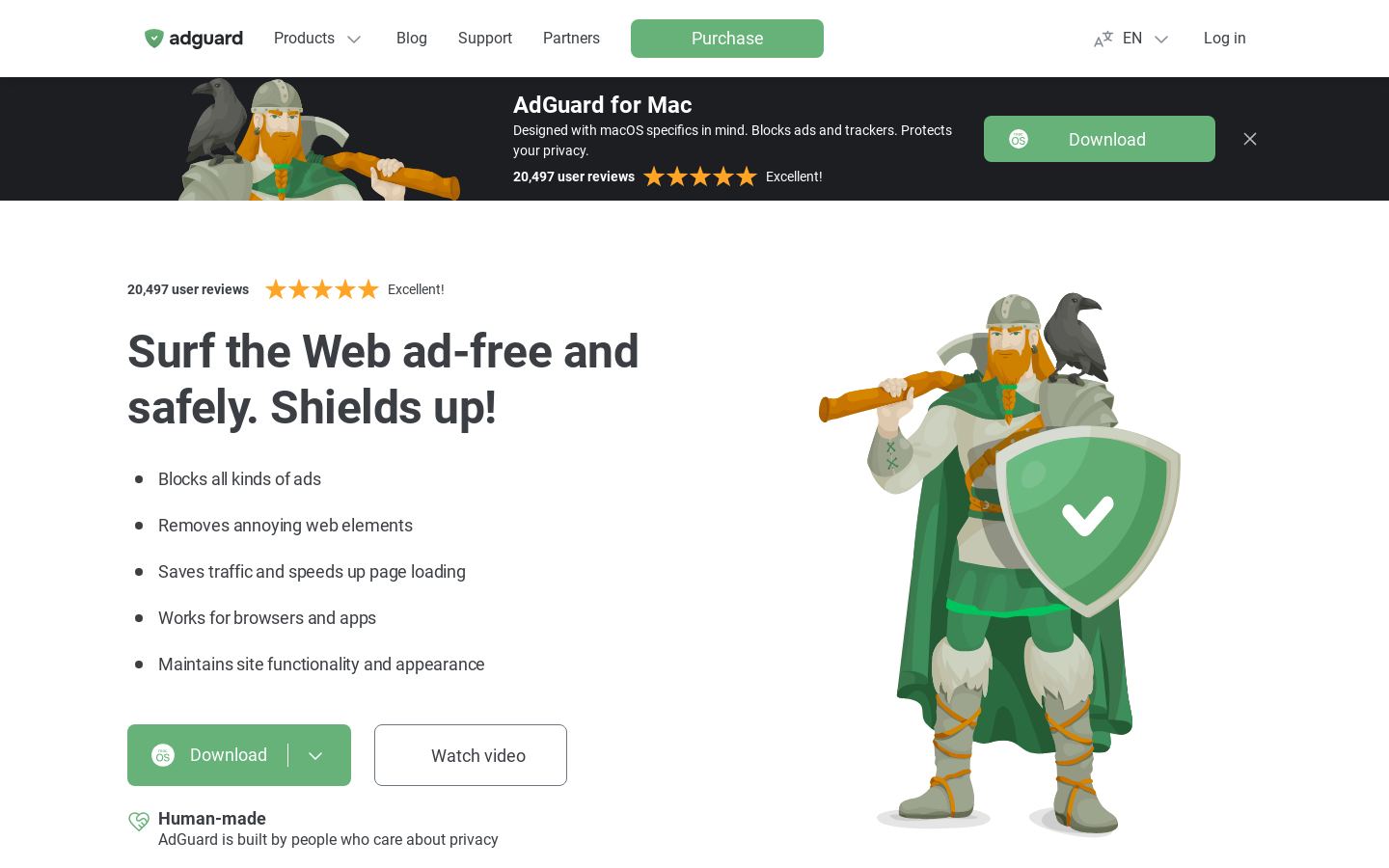
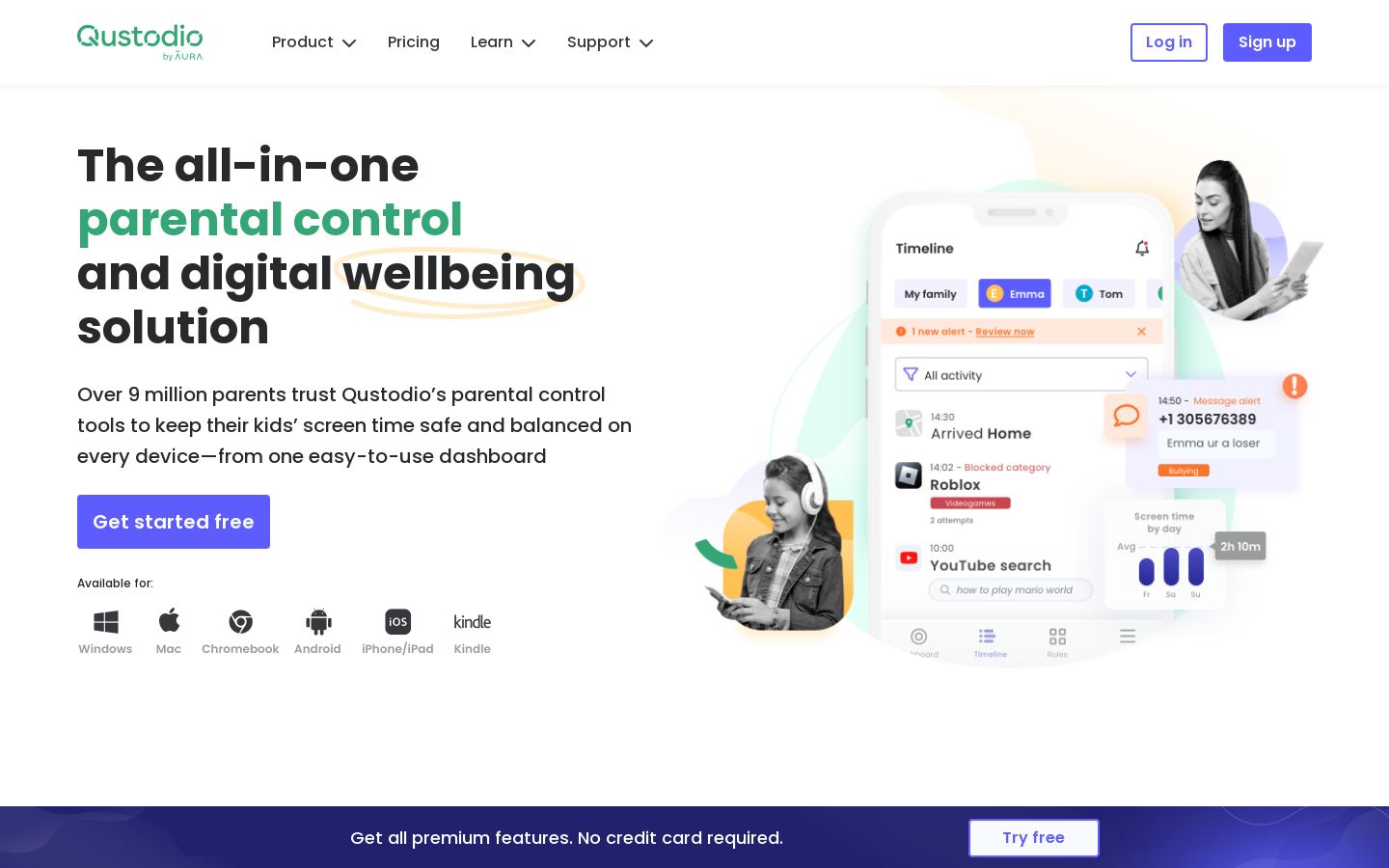
Their home pages
What each vendor shows first: the pitch, the plans and the sign-up.
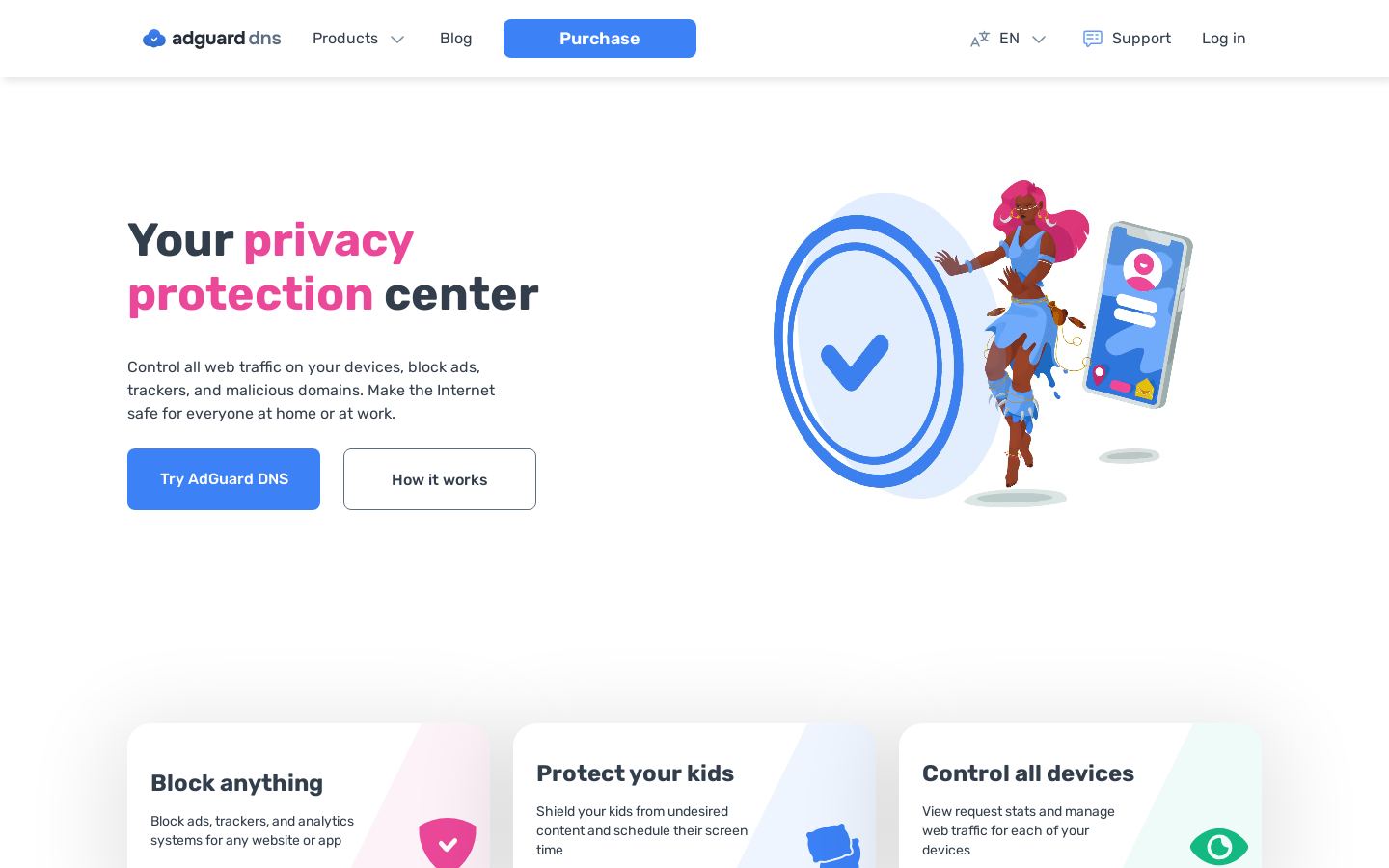

Bark · bark.usWhat you'd pay
The cheapest plan that fits, per month, billed yearly where the plan offers it.
AdGuard DNS
Bark
Strengths and limitations
AdGuard DNS
- Public servers are free
- Supports DNSCrypt, DoH, DoT, DoQ and DNSSEC
- Works with any device, including routers
- Code published on GitHub
- DNS-level blocking works only on whole domains
- Dashboard, stats and custom filtering need a paid private server
Bark
- One app subscription covers unlimited kids and devices
- 7-day free trial for the Bark App
- AI looks at context rather than only keywords
- Bark Watch plan includes the app for the whole family
- Full monitoring on iOS needs the separate Bark Sync charger or desktop app
- Bark Phone available only in the U.S.
- Some social platforms require the child's login credentials
- Phones and watch require a monthly plan on top of the device price
More comparisons
Other options to consider

Cloud DNS firewall that blocks threats, ads, trackers and adult content

C

Encrypted DNS filtering for businesses, MSPs and schools on every OS
P

Self-hosted DNS sinkhole that blocks ads and trackers for your whole network

Q

Free public DNS resolver that blocks malicious domains and logs no IP addresses
A
Ad, tracker and phishing blocker for desktop, mobile, browsers and networks
QParental control app for filtering content, limiting screen time and tracking kids


Parental control app for filtering content, limiting screen time and tracking kids
Facts from each vendor's public pages, prices checked Nov 8, 2026. Editorial policy