
OpusClip
AI tool that turns long videos into short social clips for creators and teams
Own OpusClip? Claim it, free to correct the facts and get the verified badge.
Pricing
Free · from $14.50/mo
Free trial
Yes
API
Yes
Platforms
What is OpusClip?
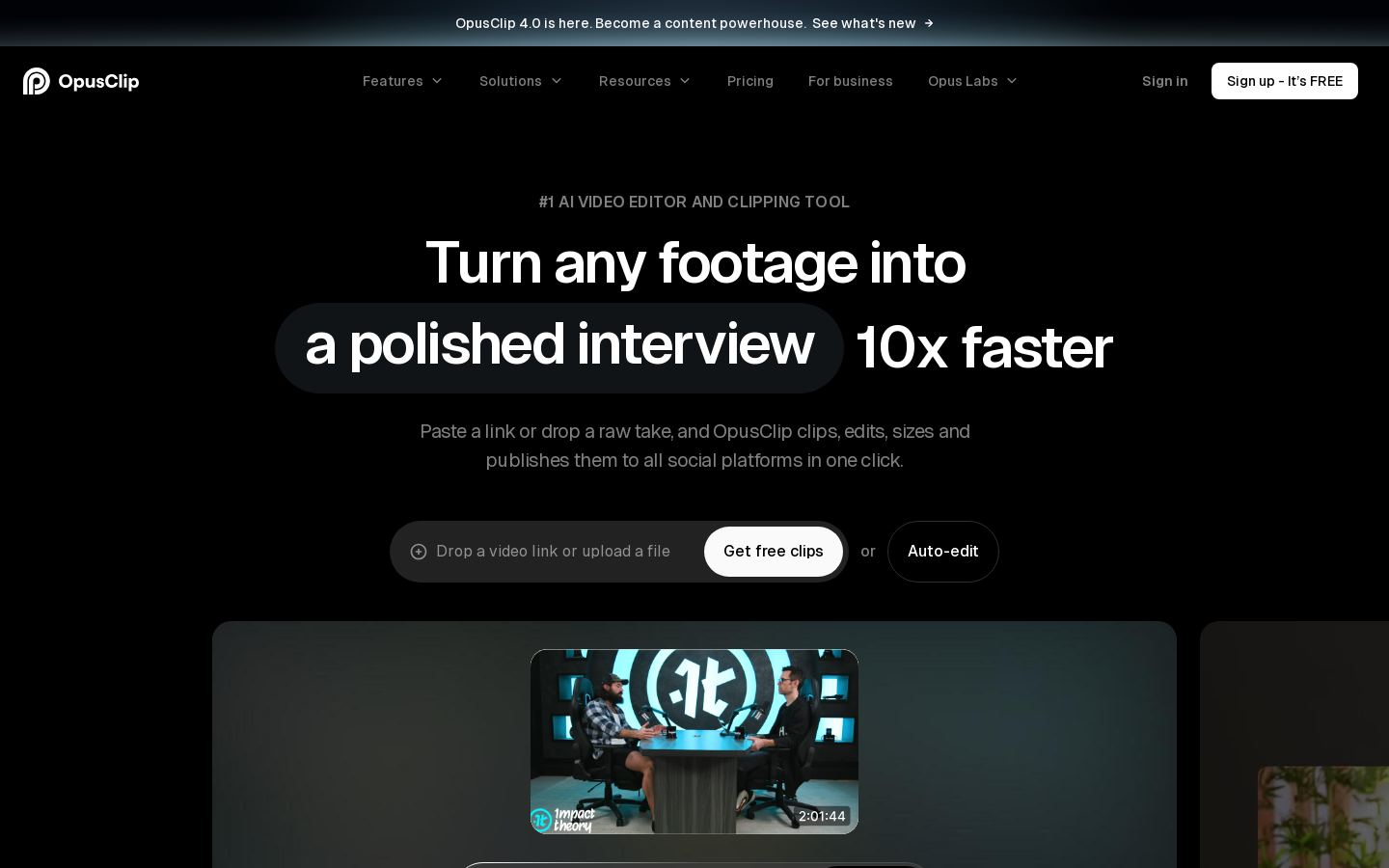
OpusClip is an AI video clipping and editing tool that turns long videos into short clips and publishes them to social platforms. You paste a link or upload a file, and it picks highlights, reframes them for the target format, adds animated captions and gives each clip a Virality Score on paid plans.
Its ClipAnything model works with podcasts, interviews, vlogs, gaming, sports and videos with little or no dialogue, and accepts natural language prompts to find a specific moment. You can refine results in a built-in editor. The Pro plan adds AI B-Roll, speech enhancement, dubbing, a social scheduler and export to Adobe Premiere Pro or DaVinci Resolve.
It suits creators, podcasters, livestreamers, marketers and agencies that repurpose long-form footage. A free plan with watermarked clips is available, while the Business plan covers organizations that need custom credits, seats, API access and integrations.
Key features
- AI clipping of long videos with natural language prompts
- Virality Score for generated clips on paid plans
- Animated captions in 20+ languages
- AI reframing with moving object tracking
- AI B-Roll from images, video and stock
- Speech enhancement, filler removal and video dubbing
- Social scheduling and auto posting to short-video platforms
- XML export to Premiere Pro and DaVinci Resolve
Use cases
Who it's for
Repurposing podcasts and interviews
Podcasters can paste a link to a long episode and get captioned vertical clips to post on YouTube Shorts, TikTok or Instagram Reels.
Promoting livestreams
Livestreamers can cut highlights from Twitch or StreamYard recordings, using screenshare and gameplay layouts, to send viewers back to their streams.
Producing branded social content
Marketing teams and agencies can apply brand templates with fonts, colors, logos and intros, then schedule posts from a shared workspace.
Automating a video workflow
Businesses can connect OpusClip to their CMS or AI agent workflows through its API and MCP connector to automate clip creation.
OpusClip pricing
From the vendor's site, checked Nov 22, 2026. Prices change — confirm on their pricing page.
| Plan | Free | Starter | Pro | Business |
|---|---|---|---|---|
| Paid monthly | Free | $15/mobilled monthly only | $29/mo$174/year when billed annually | Custom quote |
| Paid yearly | Free | — | $14.50/mo−50% | — |
| Credits | 60 a month | 150 a month | 3,600 over 12 months (annual) | Custom |
| Seats | — | — | 2 | Custom |
| Brand kits | — | 1 | 2 | — |
| Social account connections | — | — | 6 | Custom |
| Watermark-free | No | Yes | — | — |
| Editor | No | Yes | — | — |
| API access | — | — | Limited | Yes |
| Also |
|
|
|
|
| Cost for a team, per month | 1 person | 5 people | 20 people |
|---|---|---|---|
| Starterflat, up to 1 | $15 | — | — |
| Proflat, up to 2 | $14.50 | — | — |
Billed yearly where the plan offers it. — means the plan doesn't allow that many people.
Which plan do you need?
- CapCutTeams$8.96/mo
- OpusClipPro$14.50/mo
The cheapest paid plan with a published price that fits. Custom and sales-quoted plans aren't included.
Get an email when OpusClip changes its prices
One mail per change, a stop link in each. Nothing else.
OpusClip in numbers
- Cheapest paid plan
- $15
- Free plan
- Yes
- Free trial (days)
- 7
- Video minutes / month
- 150
- Watermark on free
- Yes
- Direct posting
- Yes
- Public API
- Yes
- Platforms
- YouTube Shorts, TikTok, Instagram Reels, Facebook, LinkedIn, X, Pinterest, Threads, Bluesky
- Main function
- AI clipping, Editing, Captions, Scheduling
The $15 Starter plan is monthly-only and posts in real time to YouTube, TikTok and Instagram, while the 7-day trial is of Pro, and scheduling, other posting platforms, team seats and API access require Pro or higher. From OpusClip's own pages; fields the vendor doesn't state are left out.
Pros and cons
Strengths
- Free plan includes 60 credits a month
- 7-day Pro trial needs no credit card
- Clips many genres, including videos with little or no dialogue
- Pro imports from 10+ sources, including YouTube, Zoom, Twitch and Google Drive
Limitations
- Free clips have a watermark, no editing and a 3-day export limit
- Starter plan has no annual billing option
- Scheduler, video dubbing and Premiere Pro export require Pro or higher
- API access is limited on Pro, with custom integrations reserved for Business
OpusClip FAQ
Is OpusClip free?
Yes, there is a free plan with 60 credits per month. Its clips have a watermark, cannot be edited and can no longer be exported after 3 days. New users also get a 7-day Pro trial without a credit card.
How much does OpusClip cost?
Starter costs $15 per month and is monthly only. Pro costs $29 per month, or $14.50 per month billed as $174 annually. Business has custom pricing.
What types of videos can OpusClip clip?
Its ClipAnything model handles podcasts, interviews, vlogs, gaming, sports, TV shows and videos with little or no dialogue. You can also describe a specific moment with a text prompt.
Which languages does OpusClip support?
It supports more than 20 languages, including English, German, Spanish, French, Portuguese, Italian, Japanese, Korean and Vietnamese.
Does OpusClip have an API?
Yes. It offers a video API and an MCP connector. Pro includes limited API access, and Business includes API and custom integrations.
Used OpusClip? Rate it
Sign in to rate this tool and share how you use it.
OpusClip
Free · from $14.50/mo
Tools similar to OpusClip

AI-assisted video and photo editor for creators, marketers and designers