
CapCut
AI-assisted video and photo editor for creators, marketers and designers
Own CapCut? Claim it, free to correct the facts and get the verified badge.
Pricing
Free · from $12.49/mo
Free trial
Yes
Platforms
What is CapCut?
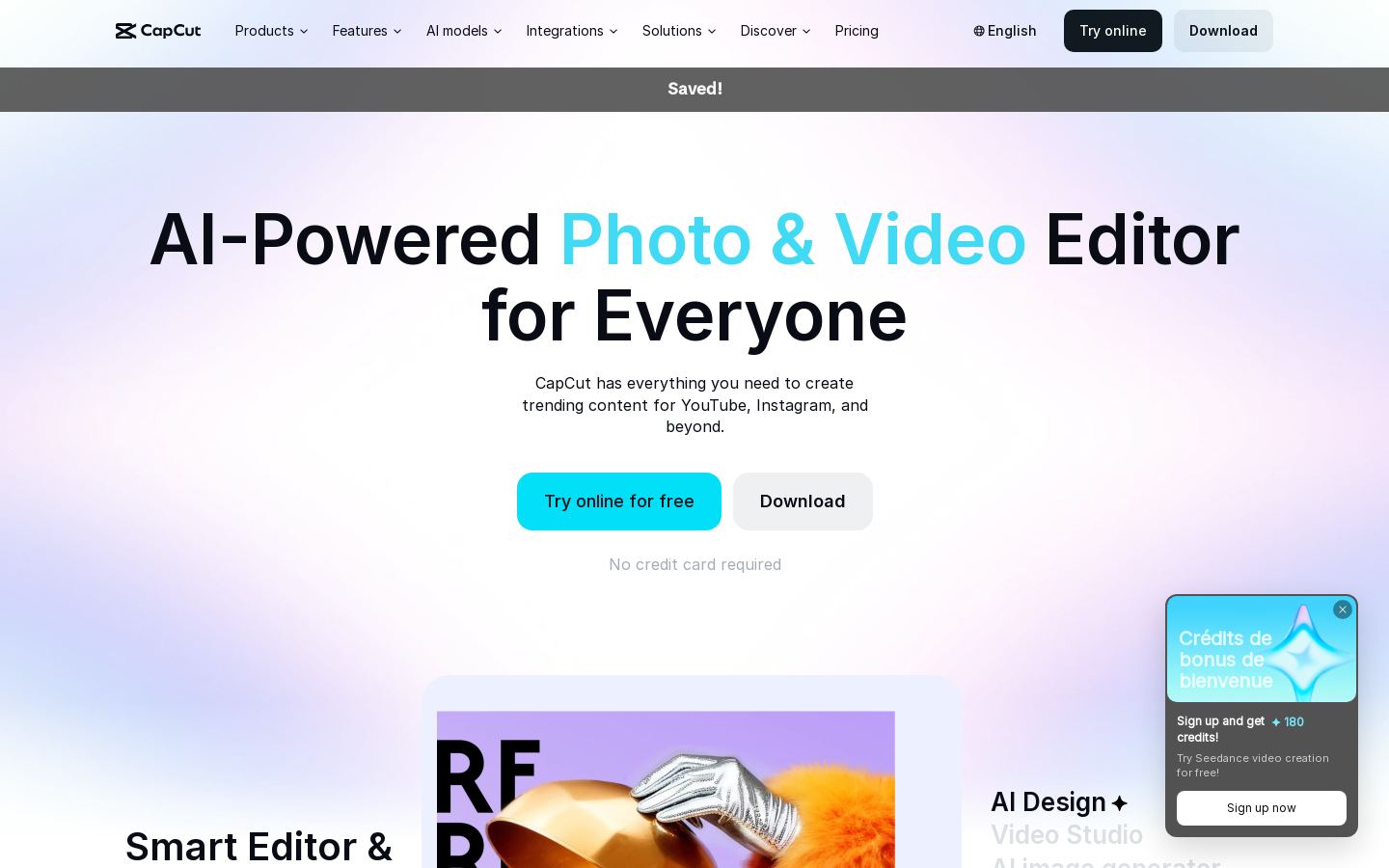
CapCut is a video and photo editor with templates and AI generation tools, available online and as desktop, tablet and mobile apps. It is built for making content for YouTube, Instagram and other social channels.
You can cut and arrange clips on a timeline, or describe the edit you want to EditPilot, which helps arrange clips, set pacing and add captions. Other tools handle background removal, video and image enhancement, text to speech in 40+ languages and caption translation. For generating footage and images from prompts, you can switch between models such as Seedance, Sora 2, Veo, Seedream and GPT Image 2.
The free plan covers basic editing and free templates, which suits everyday projects. Pro and Ultra add premium templates, AI features and monthly credits for regular or heavier production. Teams is billed per seat and adds a brand kit for groups working together.
Key features
- Timeline video editor with trimming and beat syncing
- EditPilot turns written direction into timeline edits
- Video and image generation with a choice of models
- Auto captions with translation and styling
- Text to speech in 40+ languages and custom voices
- Background, text and people removal
- Video, image and voice enhancement
- Template library for videos and designs
Use cases
Who it's for
Social media videos
Start from a template, sync cuts to the beat and add styled captions for YouTube or Instagram posts.
Ad creative and brand content
Produce product visuals, ad campaigns and brand assets in Video Studio and Design Studio. The Teams plan includes a brand kit.
Voiceovers and captions for multilingual audiences
Turn scripts into speech in 40+ languages, then generate and translate captions.
Footage from prompts
Generate video clips or images from text or images when you lack source material, choosing the model that fits the scene.
CapCut pricing
From the vendor's site, checked Nov 22, 2026. Prices change — confirm on their pricing page.
| Plan | Free | Pro | Ultra | Teams |
|---|---|---|---|---|
| Paid monthly | Free | $19.99/mo | $79/mo | $12.49/moper seat; monthly price with 2 seats, varies USD 12-20 with seat count |
| Paid yearly | Free | $15/mo−25% | $75/mo−5% | $8.96/mo−28% |
| Monthly AI credits | — | 1,200 | 8,645 | 1,200 per seat |
| Seedance 2.0 Mini video length | — | 240s at 720p or 600s at 480p | 1,700s at 720p or 4,300s at 480p | — |
| Storage | — | 1 TB | 1 TB | 1 TB |
| Premium templates and Pro features | — | Yes | Yes | Pro features |
| Also |
| — |
|
|
| Cost for a team, per month | 1 person | 5 people | 20 people |
|---|---|---|---|
| Proflat, up to 1 | $15 | — | — |
| Ultraflat, up to 1 | $75 | — | — |
| Teamsper seat | $8.96 | $44.80 | $179.20 |
Billed yearly where the plan offers it. — means the plan doesn't allow that many people.
Which plan do you need?
Get an email when CapCut changes its prices
One mail per change, a stop link in each. Nothing else.
CapCut in numbers
- Cheapest paid plan
- $9.99
- Free plan
- Yes
- Free watermark
- No
- Auto captions
- Yes
- Caption languages
- 20
- Cloud storage (GB)
- 100
- Team collaboration
- Yes
- Platforms
- Web, Windows, macOS, iOS, Android
- AI tools
- Transcript-based editing, filler-word removal, auto captions, EditPilot prompt editing, script-to-video, AI avatars, custom voices, text-to-speech, background removal, reframing, noise removal, video enhancer
Price and storage (about 100 GB) are for the mobile-focused Standard plan on the US App Store (Pro is $19.99/month with 1 TB), caption languages are a minimum (20+ on web), and free exports can still carry a watermark with templates, premium assets or 4K. From CapCut's own pages; fields the vendor doesn't state are left out.
How CapCut compares
- CapCut has a free plan, like 1 of the 2 alternatives below.
- It has no public API, unlike all 2 others.
| Tool | Cheapest paid plan | Free watermark | Max export | Auto captions | Platforms | |
|---|---|---|---|---|---|---|
| CCapCut | $9.99 | No | — | Yes | Web, Windows, macOS, iOS, Android | |
O OpusClip | $15 | Yes | — | — | YouTube Shorts, TikTok, Instagram Reels, Facebook, LinkedIn, X, Pinterest, Threads, Bluesky | CapCut vs OpusClip |
F Freepik | — | — | — | — | — | CapCut vs Freepik |
Figures from each vendor's own pages; — means the vendor doesn't state it. The closest alternatives in our directory by category. “Starts at” is the cheapest paid plan per month, as each vendor lists it.
Pros and cons
Strengths
- Free plan with basic editing tools and templates
- 7-day Pro trial for new users with no credit card required, subject to regional availability
- Works online and through desktop, tablet and mobile apps
- Several third-party and Dreamina models available in one editor
Limitations
- Free plan is limited to basic editing tools and free templates
- AI generation is metered by monthly credits
- Listed prices are for reference only, and final pricing requires signing in
- Features and plan availability vary by region and platform
CapCut FAQ
Is CapCut free?
Yes. The Free plan includes basic editing tools and free templates, and you can try the online editor without a credit card.
How much does CapCut cost?
In euro pricing, Pro is EUR 23.99/month or EUR 199.99/year, Ultra is EUR 68/month or EUR 779/year, and Teams starts at EUR 120/year per seat. Listed prices are for reference, and the final price appears after sign-in.
Is there a free trial of CapCut Pro?
New users can start a 7-day Pro trial without a credit card and cancel before it ends. Availability may vary by region, platform, billing channel and current promotion.
What is the difference between Pro and Ultra?
Pro includes 1,400 monthly AI credits, premium templates and Pro features. Ultra raises this to 7,483 credits and adds exclusive AI features. Both include 1 TB of storage.
Where can I use CapCut?
CapCut is available as an online editor and as desktop, tablet and mobile apps.
Used CapCut? Rate it
Sign in to rate this tool and share how you use it.
CapCut
Free · from $12.49/mo