
Visualping
Website change monitoring with AI-filtered alerts for individuals and teams
Own Visualping? Claim it, free to correct the facts and get the verified badge.
Pricing
Free · from $10/mo
API
Yes
Company
Visualping
Platforms
What is Visualping?
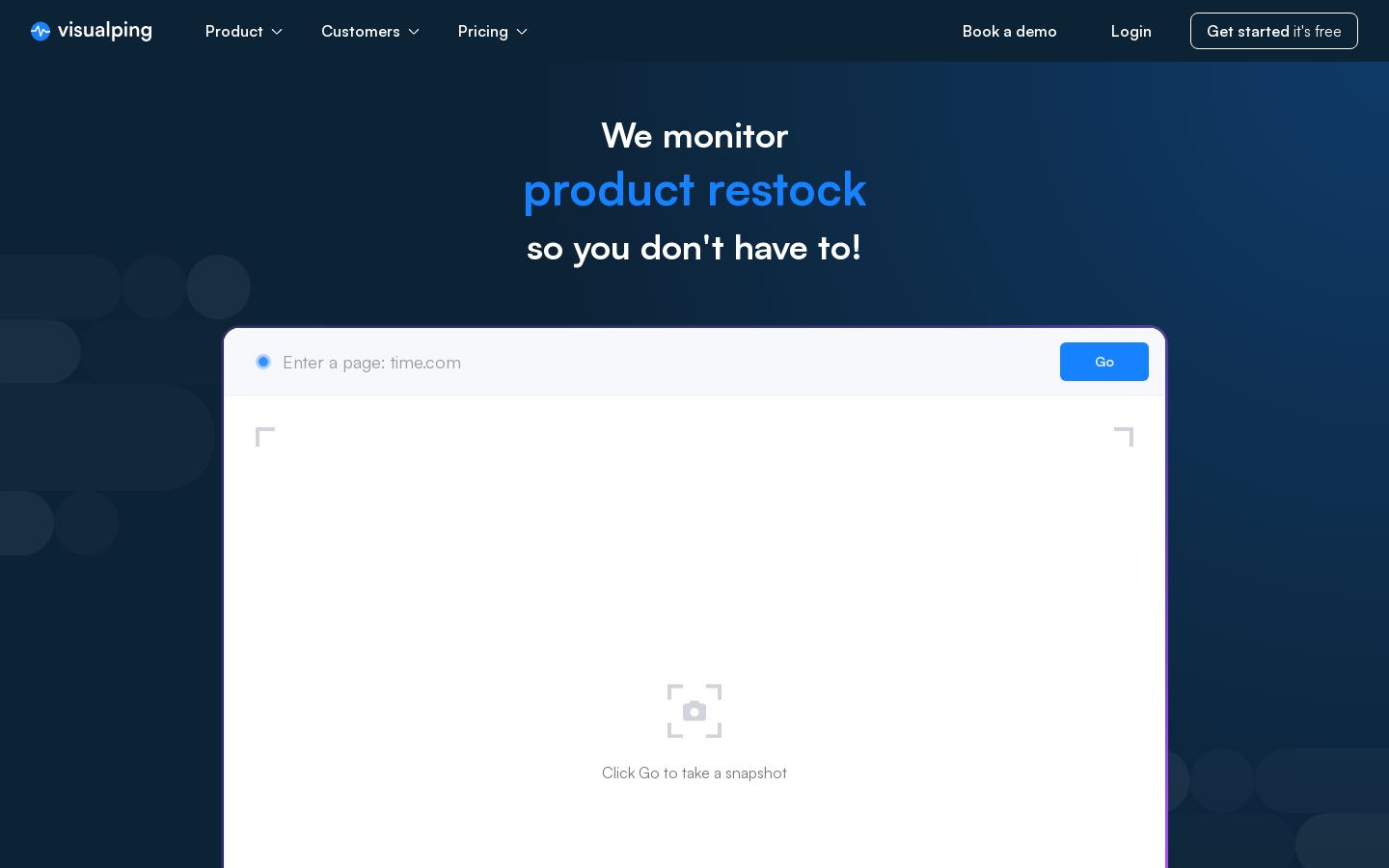
Visualping monitors web pages for changes and sends you an alert when it finds one. You paste in a URL, check that the preview shows the right content, and can write an "Alert me when" condition, for example a price falling below a set amount. Then you pick a check schedule. Each alert includes a before-and-after screenshot with added and removed text highlighted, plus an AI summary that says whether the change matters.
Alerts can go to email, SMS, Slack, MS Teams, Google Sheets, webhooks or the API. Cloud checks run on Visualping's servers, so they keep going when your computer is off. A Chrome extension lets you start monitoring a page from your browser.
Individuals use it for restock alerts, price drops, job postings and ticket releases. Businesses use it for competitor tracking, regulatory and compliance monitoring, SEO checks and defacement detection. Team features include shared projects, change history and reports.
Key features
- Scheduled cloud checks of any web page
- Before-and-after screenshots with highlighted text changes
- AI summary and Important flag on each change
- "Alert me when" natural-language alert conditions
- Alerts via email, SMS, Slack, MS Teams, webhooks and API
- Google Sheets integration and compiled change reports
- Chrome extension for one-click monitoring
- Team projects with invites and change history
Use cases
Who it's for
Price and restock alerts
Track retailer product pages and get notified when the price drops below a threshold or the item comes back in stock.
Competitor monitoring
Watch competitors' pricing, product, career and landing pages for updates without checking them by hand.
Regulatory intelligence
Law firms and compliance teams follow bills, regulations and government pages directly at the source.
Defacement and regression checks
Spot unauthorized or accidental changes on your own site, including payment pages kept for PCI compliance.
Visualping pricing
From the vendor's site, checked Nov 26, 2026. Prices change — confirm on their pricing page.
| Plan | Free | Personal 1K | Enterprise |
|---|---|---|---|
| Paid monthly | Free | $14/mo | Custom quote |
| Paid yearly | Free | $10/mo−29% | — |
| Intended for | — | Individuals, students, families | Custom managed solution |
| Also | — | — |
|
| Cost for a team, per month | 1 person | 5 people | 20 people |
|---|---|---|---|
| Personal 1Kflat, up to 1 | $10 | — | — |
Billed yearly where the plan offers it. — means the plan doesn't allow that many people.
Which plan do you need?
- VisualpingPersonal 1K$10/mo
- ChangeTowerLite$10/mo
- Distill.ioStarter$12/mo
The cheapest paid plan with a published price that fits. Custom and sales-quoted plans aren't included.
Get an email when Visualping changes its prices
One mail per change, a stop link in each. Nothing else.
How Visualping compares
- Visualping has a free plan, like all 2 alternatives below.
- It offers an API, which only 1 of the others does.
| Tool | Starts at | Free plan | Free trial | API | Open source | |
|---|---|---|---|---|---|---|
| VVisualping | $10/mo | — | — | |||
D Distill.io | $15/mo | — | — | — | Visualping vs Distill.io | |
C ChangeTower | $12/mo | — | Visualping vs ChangeTower |
The closest alternatives in our directory by category. “Starts at” is the cheapest paid plan per month.
Pros and cons
Strengths
- Free plan includes 5 pages and 150 checks per month
- AI summaries flag which changes are important
- Cloud checks keep running when your computer is off
- Wide choice of alert channels, including webhooks and API
Limitations
- Each monitored URL counts against a shared monthly check allowance
- A price that drops and recovers between checks can be missed
- Local checks through the Chrome extension need Chrome to stay open
Visualping FAQ
Is there a free plan?
Yes. The free plan covers 5 pages and 150 checks per month.
How much does a paid plan cost?
Personal 1K costs $14 per month billed monthly, or $120 billed annually, which works out to about $10 per month.
How are alerts delivered?
By email, SMS, Slack, MS Teams, Google Sheets, webhooks or the API. Alerts include a before-and-after screenshot.
Does monitoring keep running when my computer is off?
Cloud checks run on Visualping's servers, so yes. Local checks from the Chrome extension need Chrome to stay open.
Used Visualping? Rate it
Sign in to rate this tool and share how you use it.
Visualping
Free · from $10/mo