
TestFlight
Beta testing for iOS, macOS and other Apple platform apps before App Store release
Own TestFlight? Claim it, free to correct the facts and get the verified badge.
Pricing
Pricing unknown
Company
Apple Inc.
Platforms
What is TestFlight?
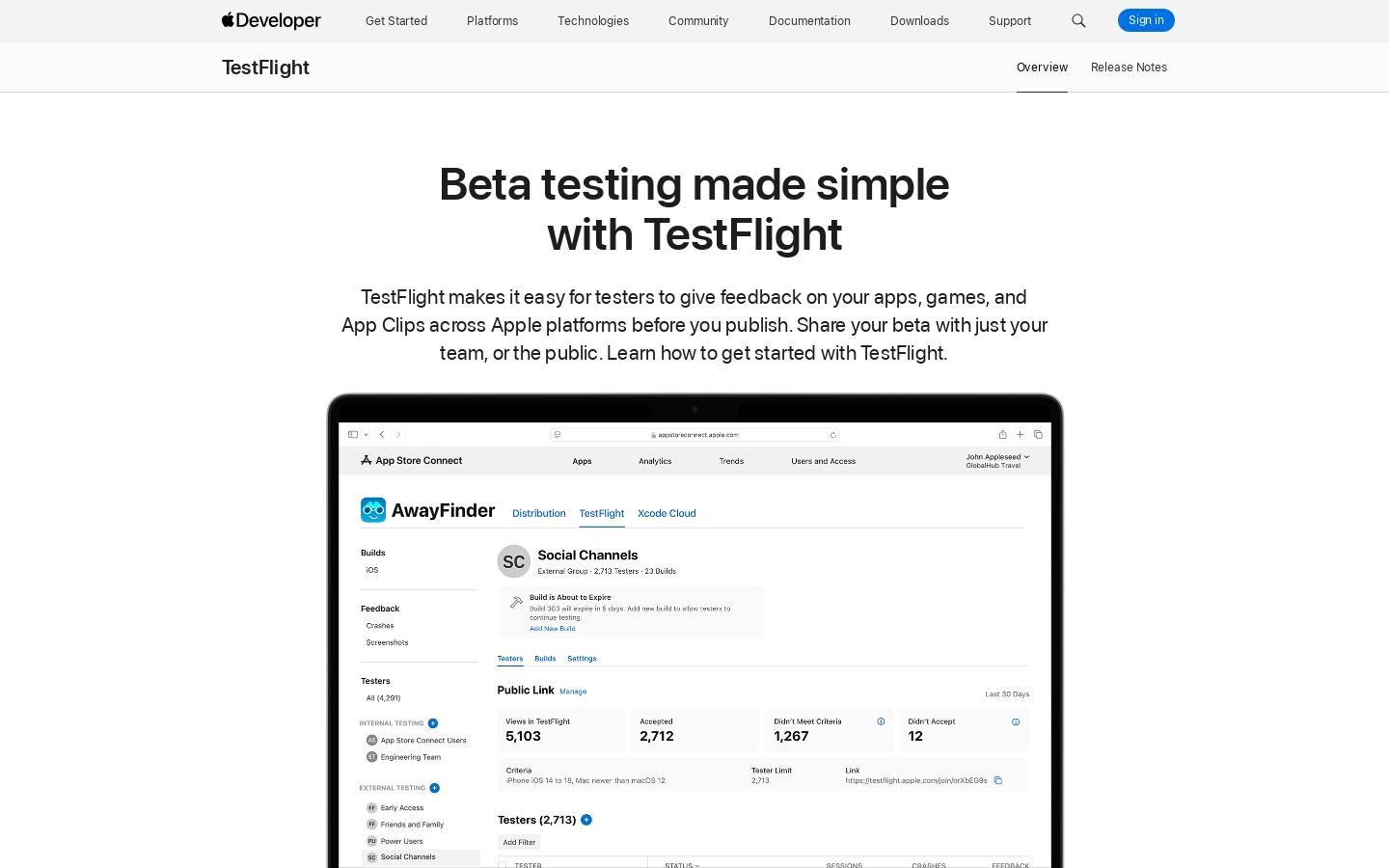
TestFlight is Apple's beta testing service for apps, games and App Clips across Apple platforms. Developers upload beta builds to App Store Connect, add test information and invite testers, who install the builds through the TestFlight app.
You can add up to 100 internal testers from your development team and invite up to 10,000 external testers by email or public link. Public links can be filtered by criteria such as device type and OS version. External builds need App Review approval first. Testers organized in groups can access up to 100 shared builds on up to 30 devices each.
Testers send feedback as annotated screenshots and comments, and crash reports arrive automatically. Developers review feedback in App Store Connect, filter it by platform or OS version, and submit a tested build for App Store review. It fits any developer shipping on iOS, iPadOS, macOS, tvOS, visionOS or watchOS.
Key features
- Up to 100 internal testers from your team
- Up to 10,000 external testers per app
- Email invites and public invite links
- Public link criteria by device type and OS version
- Screenshot feedback with markup from testers
- Crash reports with optional tester context
- Tester groups with separate builds and engagement metrics
- Automatic distribution of new builds to internal testers
Use cases
Who it's for
Public beta before launch
Share a public link on social media or in email to recruit up to 10,000 external testers without collecting their contact details.
Internal QA of every build
Send new builds to team members automatically so they always test the latest version.
Testing on a new platform
Create a separate tester group and give it builds aimed at a specific platform such as visionOS or watchOS.
Collecting crash context
Get crash reports and annotated screenshots from testers, then filter them by OS version to find problems.
TestFlight pricing
From the vendor's site, checked Nov 24, 2026. Prices change — confirm on their pricing page.
The vendor does not publish plan details.
How TestFlight compares
- TestFlight has no free plan, while all 2 alternatives below have one.
- It has no public API, unlike all 2 others.
| Tool | Starts at | Free plan | Free trial | API | Open source | |
|---|---|---|---|---|---|---|
| TTestFlight | — | — | — | — | — | |
F Firebase App Distribution | Free | — | — | TestFlight vs Firebase App Distribution | ||
| DDiawi | — | — | — | TestFlight vs Diawi |
The closest alternatives in our directory by category. “Starts at” is the cheapest paid plan per month, as each vendor lists it.
Pros and cons
Strengths
- No need to track UDIDs or provision tester profiles
- Supports up to 10,000 external testers
- Built into App Store Connect, so tested builds go straight to submission
- Testers can use up to 30 devices
Limitations
- Works only for apps on Apple platforms
- First external build must pass App Review for TestFlight
- Internal testers must hold specific App Store Connect roles
TestFlight FAQ
How many testers can I invite?
Up to 100 internal testers from your team and up to 10,000 external testers.
Do external builds need review?
Yes. The first build must be approved by App Review for TestFlight, and builds are sent for review automatically when you add them to a group.
How do testers install betas?
Testers accept an invite by email or public link and install the build through the TestFlight app.
What feedback do I receive?
Annotated screenshots, written comments and crash reports. You can view them in App Store Connect and filter by platform or OS version.
Which platforms are supported?
Apps, games and App Clips across Apple platforms, including iOS, iPadOS, macOS, tvOS, visionOS and watchOS.
Used TestFlight? Rate it
Sign in to rate this tool and share how you use it.
TestFlight
Pricing unknown