
mFax
Send and receive faxes from your phone, computer or browser
Own mFax? Claim it, free to correct the facts and get the verified badge.
Pricing
Free trial
Free trial
Yes
API
Yes
Platforms
What is mFax?
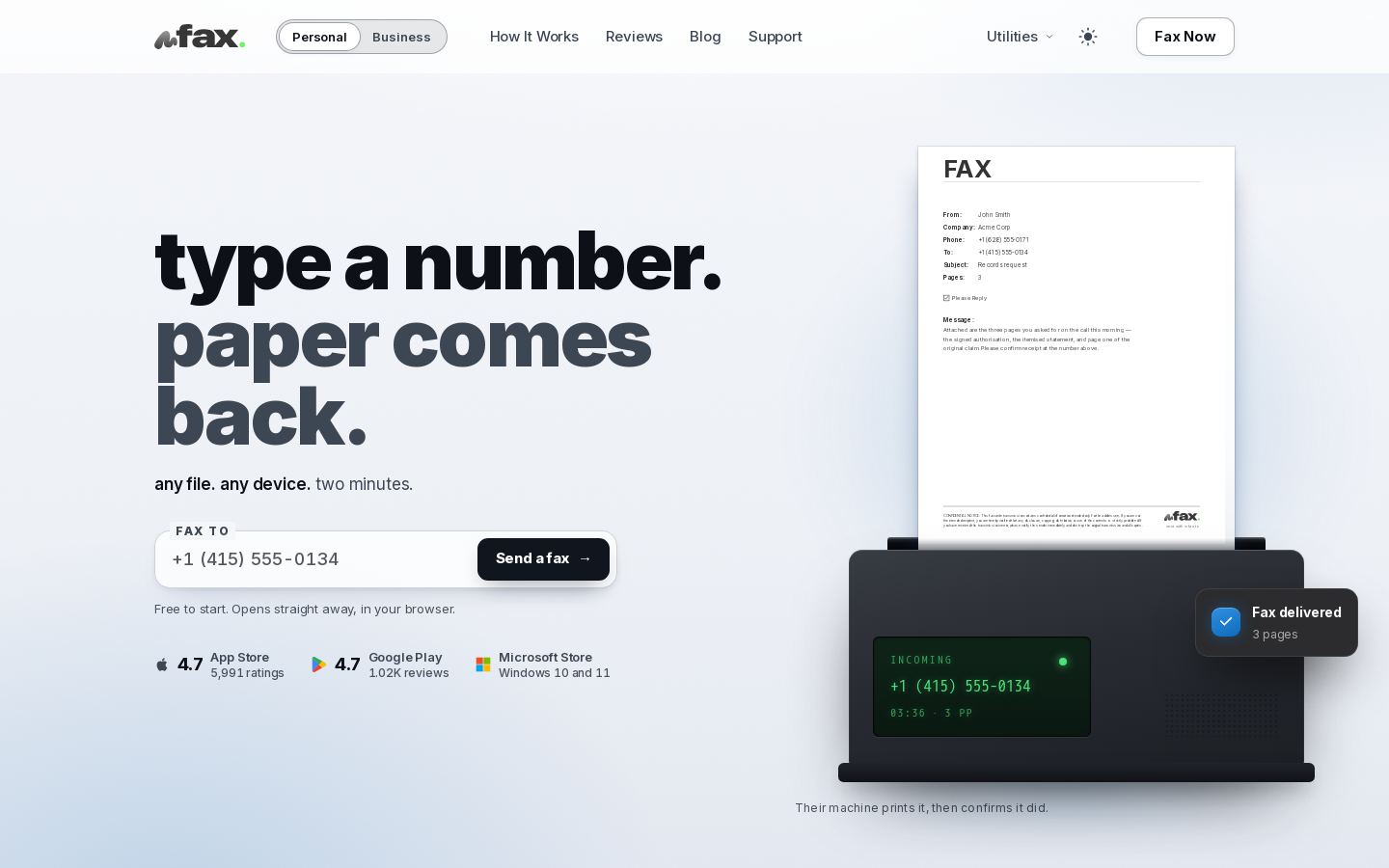
mFax is an online fax app that sends and receives faxes from iPhone, iPad, Mac, Android, Windows or a web browser. You attach a PDF, Word file, spreadsheet, slide or photo, type a fax number, and mFax turns the file into fax pages and dials the recipient.
The app has a camera scanner that detects page edges, crops the image and saves it as a fax-ready PDF. A PDF editor lets you fill forms, add text and sign without printing. You can get your own fax number or port an existing one. Incoming faxes show up as push notifications and are saved as PDFs. Each sent fax shows its status, and you get a PDF receipt once the receiving machine confirms delivery.
mFax suits people and small businesses who need to fax now and then but don't own a fax machine. The site also lists business and API options.
Key features
- Send faxes from PDFs, Word files, sheets, slides and photos
- Automatic conversion of attachments into fax pages
- Camera scanner with edge detection and auto-crop
- PDF editor to fill forms, add text and sign
- Dedicated fax number for receiving faxes
- Port an existing fax number
- Push notifications for incoming faxes, saved as PDFs
- PDF delivery receipts and status for every fax
Use cases
Who it's for
Faxing signed forms from a phone
Scan a paper form with the camera, sign it in the app and fax it without a printer or fax machine.
Receiving faxes on the go
Use a dedicated mFax number so incoming faxes arrive as push notifications and are saved as PDFs.
Proving a fax was delivered
Keep the PDF receipt that confirms the receiving machine got every page.
Moving an existing fax line
Port a current fax number to mFax and keep receiving faxes on every device.
mFax pricing
From the vendor's site, checked Nov 15, 2026. Prices change — confirm on their pricing page.
The vendor does not publish plan details.
How mFax compares
- mFax has no free plan, while 1 of the 2 alternatives below has one.
| Tool | Starts at | Free plan | Free trial | API | Open source | |
|---|---|---|---|---|---|---|
| MmFax | — | — | — | |||
F Fax.Plus | $6.99/mo | — | — | mFax vs Fax.Plus | ||
I iFax | $12.49/mo | — | — | mFax vs iFax |
The closest alternatives in our directory by category. “Starts at” is the cheapest paid plan per month, as each vendor lists it.
Pros and cons
Strengths
- Runs on web, iPhone, iPad, Mac, Android and Windows with one account
- 7-day free trial
- Rated 4.7 on the App Store and on Google Play
- PDF delivery receipts confirmed by the receiving machine
Limitations
mFax FAQ
Is mFax free?
You can try it free for 7 days. Paid plan prices are not listed on the home page.
Which devices does mFax work on?
Web, iPhone and iPad, Mac, Android and Windows 10 and 11, all on one account.
Can I receive faxes with mFax?
Yes. You get your own fax number, and incoming faxes arrive as push notifications and are saved as PDFs.
Can I keep my existing fax number?
Yes. You can port an existing number to mFax.
How do I know a fax was delivered?
mFax shows the status of each fax and gives you a PDF receipt once the receiving machine confirms the transmission. If a fax fails, the status shows why.
Used mFax? Rate it
Sign in to rate this tool and share how you use it.
mFax
Free trial