
Loom
Screen and camera recorder for async video messages between teams and customers
Own Loom? Claim it, free to correct the facts and get the verified badge.
Pricing
Free · from $18/mo
Free trial
Yes
Company
Loom
Platforms
What is Loom?
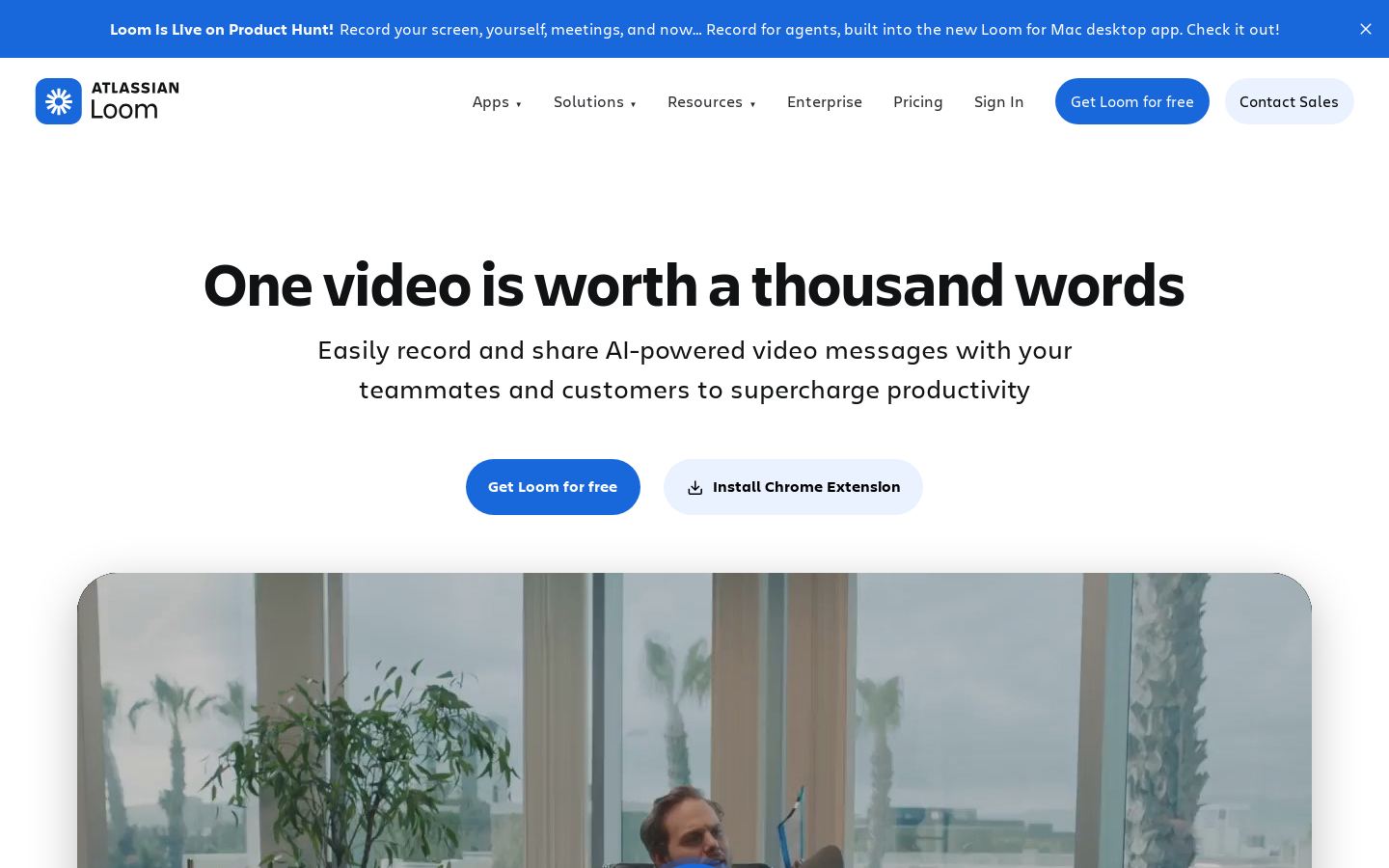
Loom is a screen recorder for sending video messages. You record your screen and camera, then share or embed the video in tools like Slack, Gmail, Jira and Notion. It runs as a Chrome extension, a desktop app for Mac and Windows, and a mobile app for iOS and Android.
After recording, you can trim and stitch clips, add backgrounds and overlays, and add comments, emoji reactions, tasks and CTAs. Videos get transcripts and captions in 50+ languages. Loom AI can write titles, summaries and chapters, remove filler words and turn a video into a written doc. Record for agents turns a recording into a prompt that an AI agent can run.
Loom suits remote teams in sales, engineering, support and design who want to explain things over video instead of in meetings. The free Starter plan limits recordings to 5 minutes. Paid plans are billed per user, and Enterprise adds SSO, SCIM and custom data retention.
Key features
- Screen and camera bubble recording
- Trim, stitch and edit by transcript
- Transcripts and captions in 50+ languages
- Comments, emoji reactions, tasks and CTAs
- AI titles, summaries, chapters and filler word removal
- Viewer and engagement insights
- Password-protected videos and privacy controls
- MCP tools and Record for agents
Use cases
Who it's for
Sales outreach
Send a personalized video pitch to a prospect instead of a plain email.
Engineering context
Walk through code or bugs on video and file Jira tickets from the recording.
Customer support
Show customers how to fix a problem so it gets resolved faster.
Async team updates
Share updates and design feedback across timezones without scheduling a meeting.
Loom pricing
From the vendor's site, checked Nov 28, 2026. Prices change — confirm on their pricing page.
| Plan | Starter | Business | Business + AI | Enterprise |
|---|---|---|---|---|
| Price | Free | $18/moper user | $24/moper user | Custom quote |
| Videos per person | 25 | Unlimited | — | — |
| Recording length | 5 min | Unlimited | — | — |
| Max video quality | 720p | 4K | — | — |
| Also |
|
|
|
|
| Cost for a team, per month | 1 person | 5 people | 20 people |
|---|---|---|---|
| Businessper seat | $18 | $90 | $360 |
| Business + AIper seat | $24 | $120 | $480 |
Billed yearly where the plan offers it. — means the plan doesn't allow that many people.
Which plan do you need?
- LoomBusiness$18/mo
- VidyardStarter$59/mo
The cheapest paid plan with a published price that fits. Custom and sales-quoted plans aren't included.
Get an email when Loom changes its prices
One mail per change, a stop link in each. Nothing else.
Pros and cons
Strengths
- Free plan allows up to 50 members
- Apps for desktop, mobile and Chrome
- Captions in 50+ languages on every plan
- Integrates with Slack, Jira, GitHub and Gmail
Limitations
- Free plan limits recordings to 5 minutes and 25 videos per person
- Free plan records only up to 720p
- AI features need the $24/user Business + AI plan
- SSO and SCIM are only on Enterprise
Loom FAQ
Is Loom free?
Yes. The Starter plan is free, with 25 videos per person, 5-minute recordings and 720p quality.
How much do paid plans cost?
Business costs $18 per user per month and Business + AI costs $24 per user per month. Annual billing saves up to 17%. Enterprise pricing comes from sales.
Which platforms does Loom support?
Loom works as a Chrome extension, a desktop app for Mac and Windows, and a mobile app for iOS and Android.
What does Loom AI do?
It creates titles, summaries, chapters and tasks automatically, removes filler words and silences, writes meeting notes and turns videos into documents.
Used Loom? Rate it
Sign in to rate this tool and share how you use it.
Loom
Free · from $18/mo
Tools similar to Loom

Video messaging, hosting and AI video automation for sales and marketing teams