


隐私、代理与匿名85安全58电话号码与消息45邮件36联盟营销与媒体投放56营销与 SEO74数据分析与追踪32销售与客户服务25网站与电商11域名、主机与云6加密货币22设计与媒体20效率与创作者14

会议预约完整列表

预约页面与日历日程安排。
4 个工具2 个有免费套餐4 个提供 API1 个开源
子分类 · 7会议预约
4 个工具
C
Calendly websiteC

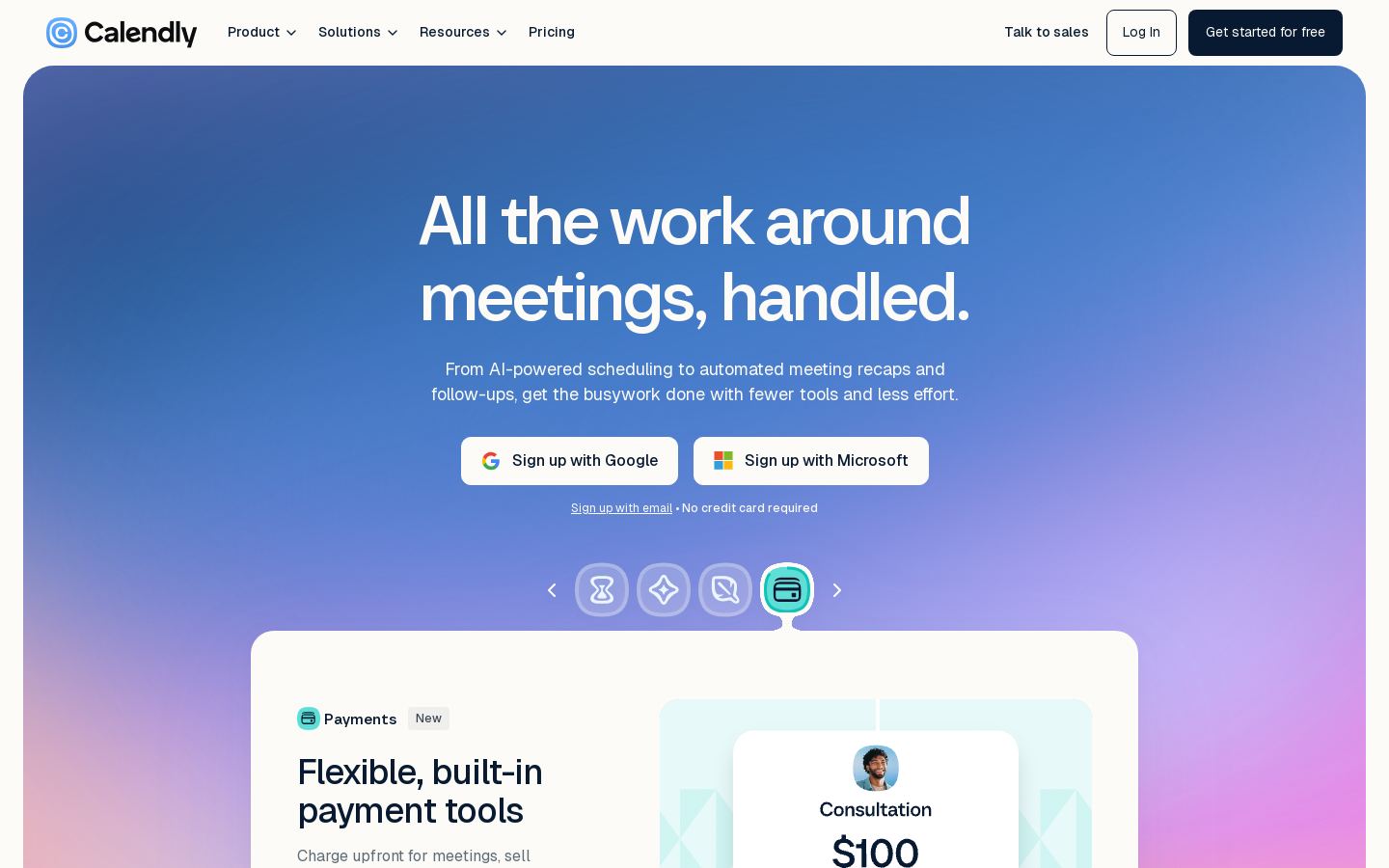
Meeting scheduling with AI notetaking, payments and follow-ups for teams

免费,$10/月起
C
Calendly website
免费,$10/月起
C

Meeting scheduling with AI notetaking, payments and follow-ups for teams

会议预约免费版API
C
Cal.com websiteC

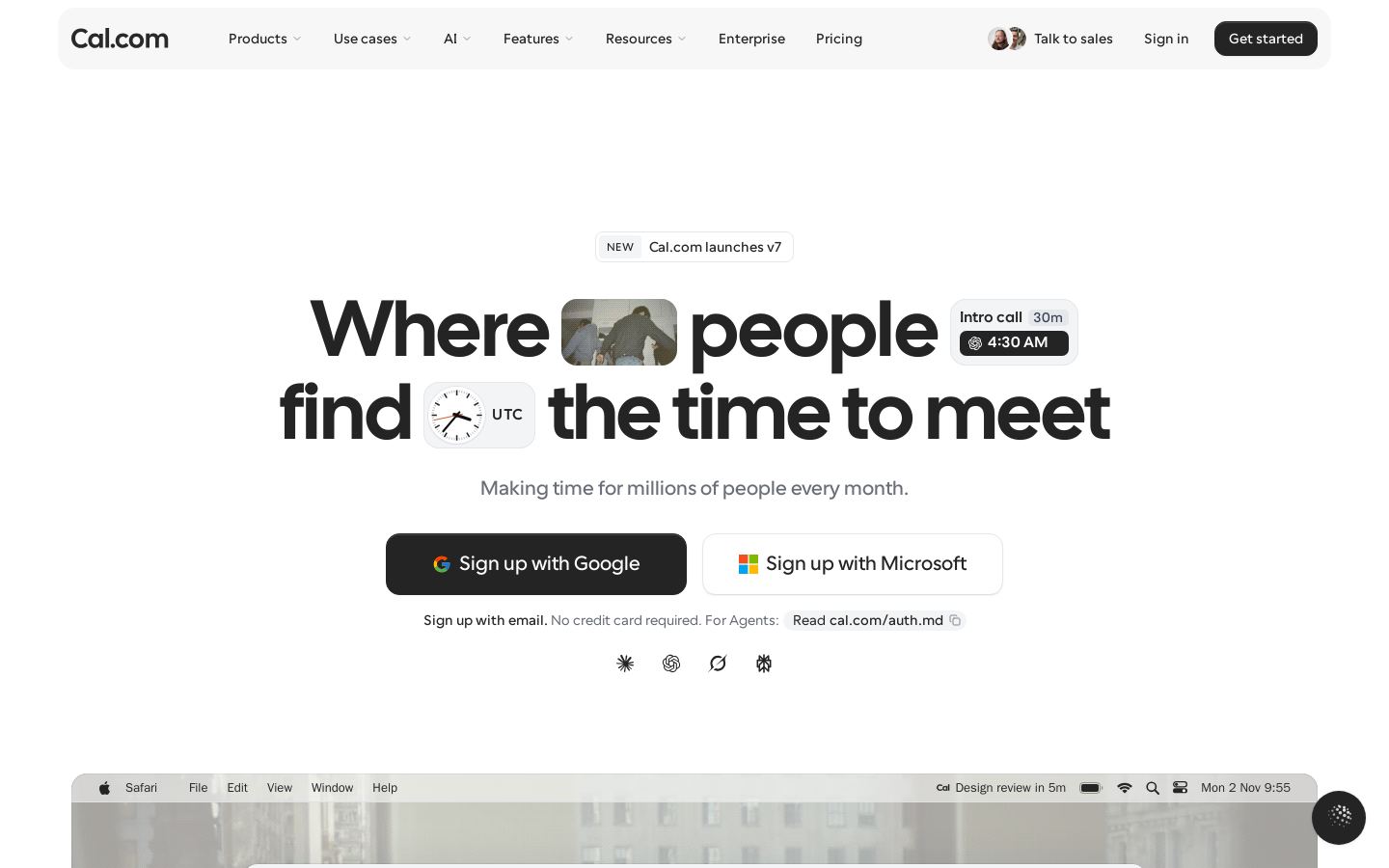
Open-source meeting scheduling with booking links, routing and team round-robin

免费,$12/月起
C
Cal.com website
免费,$12/月起
C

Open-source meeting scheduling with booking links, routing and team round-robin

会议预约免费版API开源
A
Avoma websiteA

AI meeting assistant, scheduler and conversation intelligence for revenue teams

$19/月起
A
Avoma website
$19/月起
A

AI meeting assistant, scheduler and conversation intelligence for revenue teams

会话智能API
S
SavvyCal websiteS

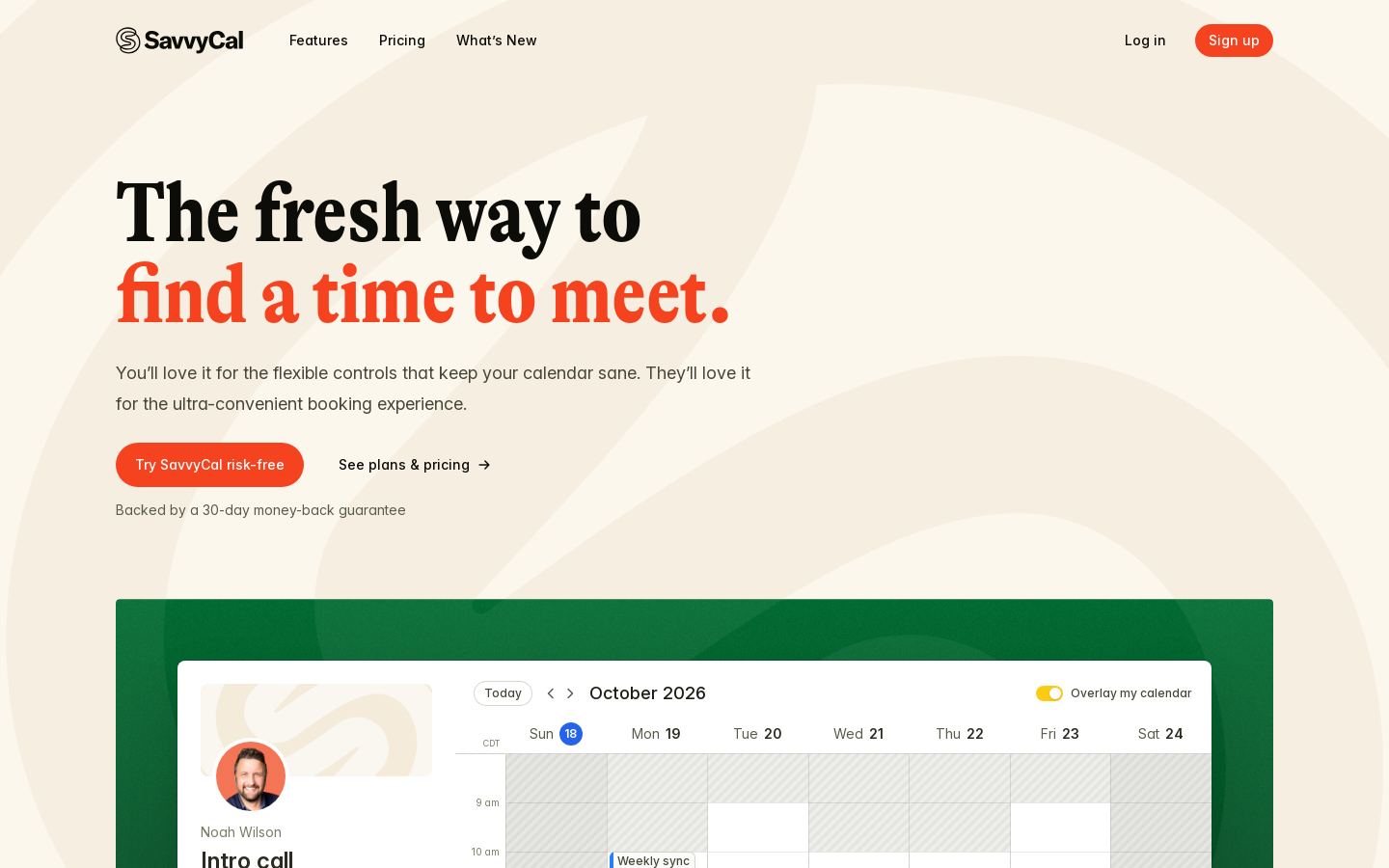
Scheduling links where invitees can overlay their own calendar to pick a time

$10/月起
S
SavvyCal website
$10/月起
S

Scheduling links where invitees can overlay their own calendar to pick a time

会议预约API

如何选择会议预约工具

Most scheduling tools do the basic job of sharing a link so people can pick an open slot. Where they differ is in what comes around that link, and four things matter most.

  • Pricing model. Calendly and Cal.com are freemium, so you can start free and pay later, from $10/mo and $12/mo. SavvyCal is paid only, from $10/mo. Avoma offers a free trial, then starts at $19/mo.
  • Scope. Some tools only schedule. Others go further. Avoma adds an AI meeting assistant and conversation intelligence for revenue teams. Calendly adds AI notetaking, payments and follow-ups.
  • Hosting and openness. Cal.com is open source and can be self-hosted, which suits teams that want control over their data. It also handles routing and round-robin across a team.
  • Invitee experience and platforms. With SavvyCal, invitees can lay their own calendar over yours to find a time. Calendly and Cal.com have iOS and Android apps, and Cal.com also has macOS and Slack apps. All four have an API.

常见问题

Is there a free meeting scheduling tool?

Yes. Calendly and Cal.com both have free plans. Cal.com is also open source, so you can host it yourself. Avoma has a free trial, and SavvyCal is paid only.

How much does scheduling software cost?

Paid plans start at $10/mo for Calendly and SavvyCal, $12/mo for Cal.com and $19/mo for Avoma.

What should I look for in a scheduling tool?

Check four things: the pricing model, the platforms you need (mobile apps, a Chrome extension, Slack), API access, and team features such as routing and round-robin. If you want features beyond booking, such as AI notes, payments or conversation intelligence, Calendly and Avoma offer them.

What are the alternatives to Calendly?

Cal.com is an open-source option you can self-host, with team round-robin. SavvyCal lets invitees overlay their own calendar to pick a time. Avoma combines scheduling with an AI meeting assistant for revenue teams.